
How augmented reality turns packaging, posters and print into interactive media
with a QR code or a recognisable graphic element, a pack, a poster, a leaflet or a magazine can open an augmented reality experience from the phone: animations, videos, games, 3D products or forms. In this way the printed medium stops being static and becomes a measurable channel.

Why it works
A printed piece has two limitations: it occupies a fixed space and you do not know how many people interact with it. AR solves both:
- It expands the space: a video, a game or a catalogue fits on a box.
- It measures: every scan is a piece of data.
- It updates: the digital content can change without reprinting.
- It connects with the action: from the paper to the online shop, the form or the booking.
Three ways to trigger the experience
- QR code: the most universal option. It works with the phone camera, without installing anything, and opens WebAR.
- Image recognition: the phone identifies the design of the poster or the pack and overlays content. It requires images with enough detail.
- Short link or NFC: useful on media where a QR does not fit visually.
The most common uses
Packaging
- Animated recipes in food and drink.
- How-to tutorials in cosmetics and electronics.
- Brand stories, ingredients and traceability.
- Characters or games on children's packs or limited editions.
Posters and outdoor advertising
- The advert animates when you point the phone at it.
- Challenges or games that invite people to stop.
- Coupons or links to an immediate purchase.
Leaflets, catalogues and magazines
- A 3D product on the page.
- A video from the manufacturer or testimonials.
- Direct links to configure or request a quote.
Point-of-sale material
- Displays that explain the product.
- A treasure hunt inside the shop (see AR in retail).
Design essentials for the printed medium
- Make the reason to scan visible. A QR without an explanation does not get scanned. Add a short line of text: "Discover how it is prepared" or "Play and win".
- Size and contrast of the QR: it must be comfortable to read from the distance of use.
- Placement: at a height and in a place where the user can hold the phone naturally.
- Respect the design: integrate the code into the composition, so that it does not look like a sticker.
- Consider the surface: shiny or curved materials can make scanning difficult.
What the experience should include
- Fast loading, with no compulsory registration.
- A clear action in the first few seconds.
- A short duration.
- A final call to action aligned with the objective.
- Copy in the languages of the market.
How to measure it
Record scans, unique sessions, interaction time, completion and clicks through to purchase or a form. Compare by medium or by location to see where it works best. More information in measuring the ROI of an AR campaign.
Key ideas
- AR turns printed media into interactive, measurable channels.
- A QR with WebAR is the simplest form of access.
- The user needs a clear reason to scan.
- The design of the medium determines whether the scan succeeds.
- The digital content can be updated without reprinting.
Frequently asked questions
Do you need an app to scan a pack in AR?
No. With WebAR, the phone camera or the browser is enough.
Can I change the content after printing?
Yes, if the QR points to a link you control. It is one of the main advantages.
Does it work with any material?
It works with most materials, although very shiny or curved ones require testing.
How long should the experience last?
Usually less than a minute or two, focused on a single action.
More guides on this topic
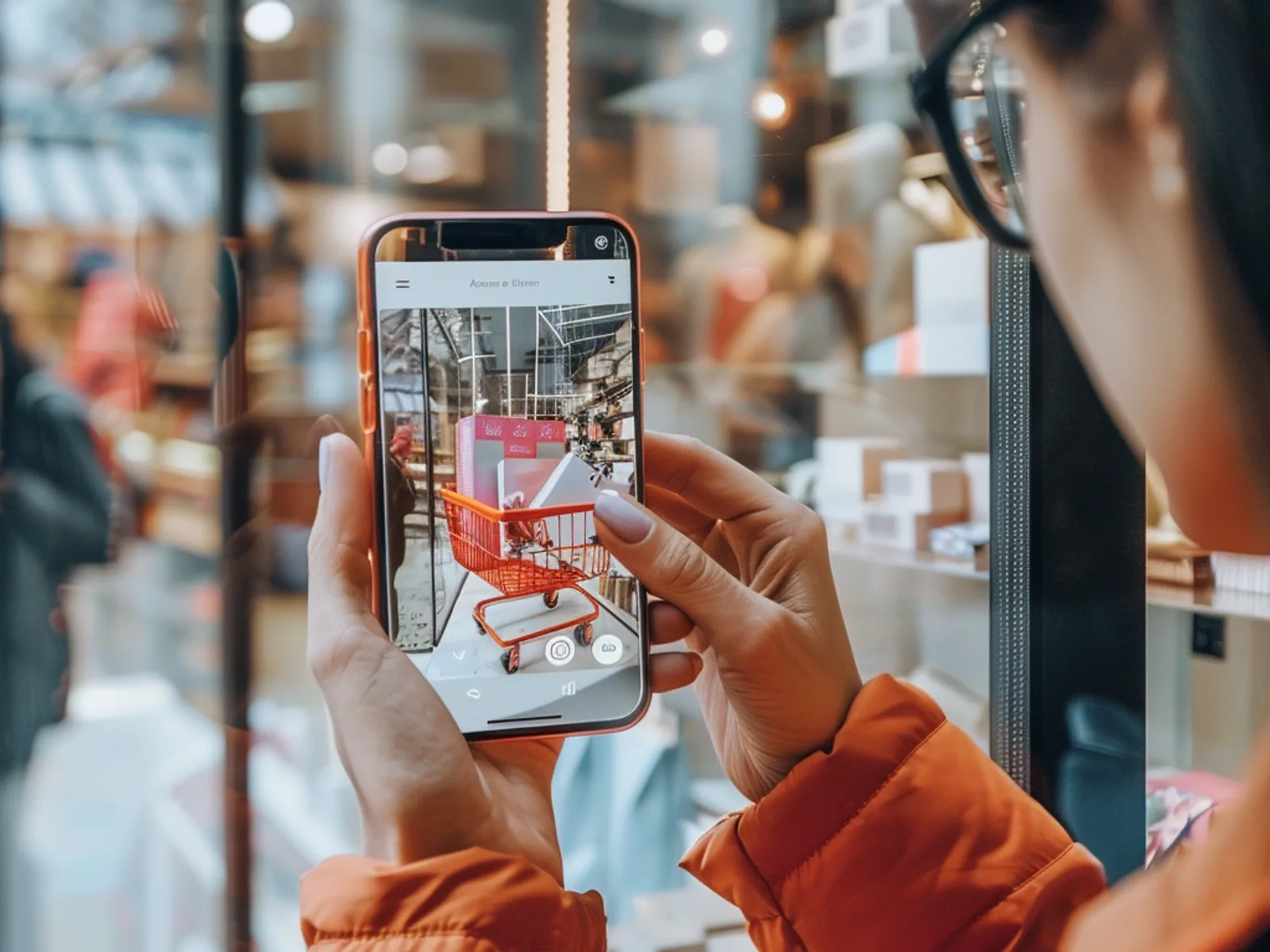
What Is Augmented Reality? A Simple Guide for Businesses
Augmented reality (AR) overlays digital content, such as 3D products, animations, games or information, onto the real world through a smartphone camera. For businesses it turns packaging, posters, stores and product pages into interactive experiences that customers can try instantly, usually in the browser without downloading an app.
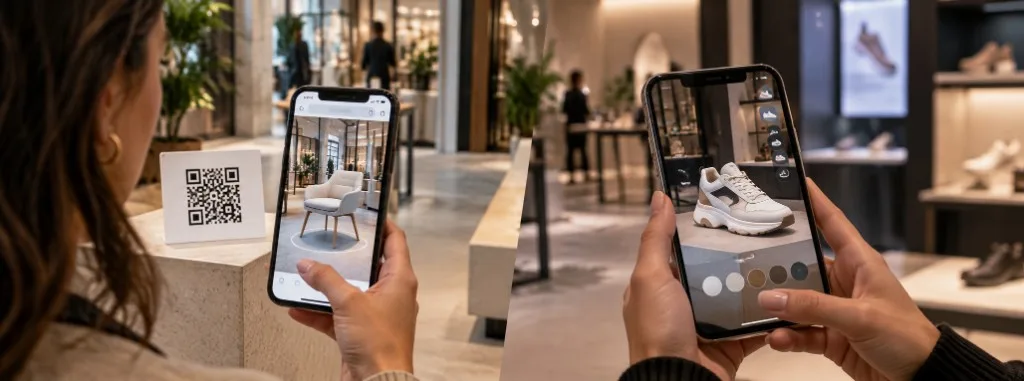
WebAR vs app-based AR: which should you use?
WebAR and app-based augmented reality both place digital content over the real world, but they do not solve the same problem. WebAR opens in the browser from a QR code or a link, with no download, and prioritises reach. An app requires installation and prioritises depth: advanced features, repeat use and offline work.
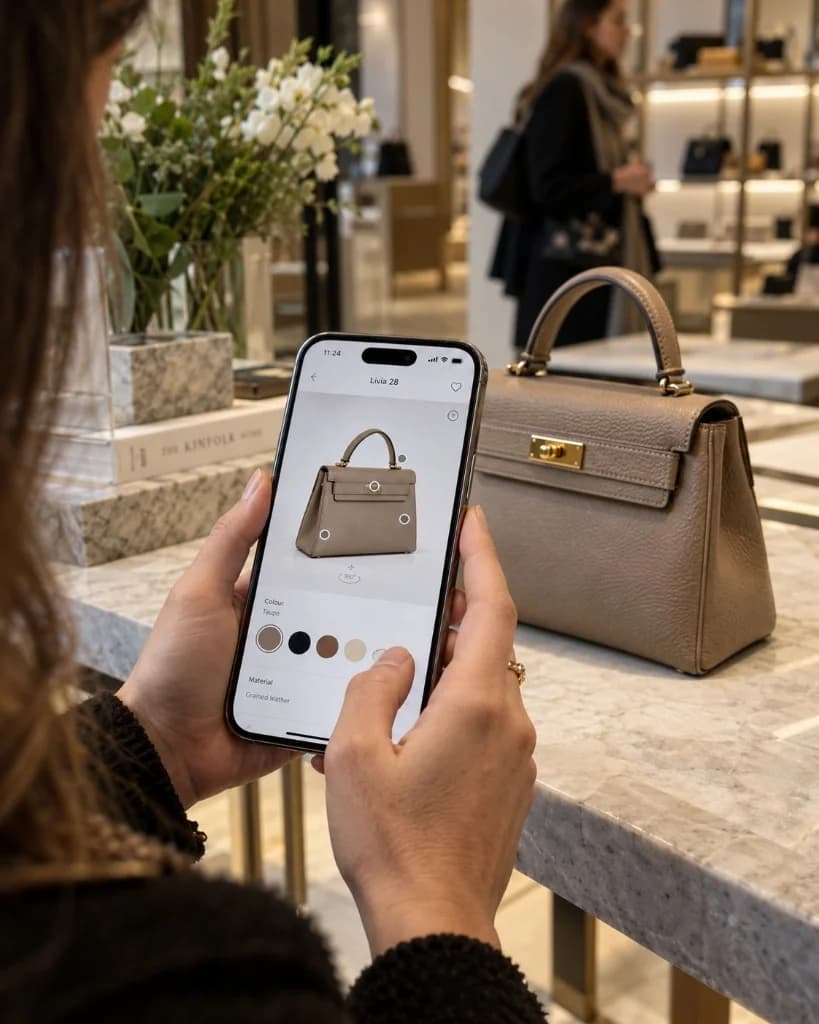
How Much Does an Augmented Reality Experience Cost?
There is no single published price. The cost of an augmented reality experience depends on the number and quality of 3D assets, interactivity, the platform (browser or app), integrations such as CRM or eCommerce, and how long the campaign stays live. Tell us about your idea and we will prepare a free, no-obligation quote.