
Augmented reality for retail: practical examples and use cases
in retail, augmented reality is used to try products (virtual try-on), see them in 3D at home, give information on the shelf, enliven the shop visit with games and create campaign activations. The most profitable uses are those that reduce doubts before buying or increase traffic and time in the shop.

Retail has three challenges that AR helps to address
- Convert better: so that the customer has more confidence in what they buy.
- Reduce returns: especially in fashion, footwear, furniture and beauty.
- Give reasons to enter or return to the physical shop.
Use cases in the online shop
Virtual try-on
Glasses, jewellery, watches, make-up or footwear. The customer tries the product on with the camera. More in virtual try-on for fashion and for beauty.
See the product at home
Furniture, decoration, appliances and DIY. It avoids the doubt of "will it fit and will I like it?". See product visualisation with AR.
Visual configuration
Combine colours, finishes and accessories in 3D before buying. It is complemented by a 3D configurator.
Use cases in the physical shop
Interactive guides on the shelf
The customer scans a display and sees video, ingredients, comparisons or tutorials. It is useful when shop staff cannot attend to everyone.
Games and treasure hunts
A route around the shop with clues discovered on the phone and a prize at the end. It increases dwell time and exploration of less-visited areas.
Interactive shop windows
A QR on the glass lets people play or try products even when the shop is closed.
In-store events and launches
A temporary activation with its own mechanic, such as one for Halloween or the sales, to attract an audience.
Use cases in campaigns and brand
- Packaging with an experience (see interactive packaging, posters and print).
- Filters for social media.
- Campaigns with a reward or a coupon.
How to choose where to start
| If your priority is… | Start with… |
|---|---|
| Reducing returns | Virtual try-on or 3D visualisation |
| Increasing shop visits | A game or a treasure hunt |
| Improving the product page | A 3D product and AR on the website |
| Generating awareness | A filter, a poster or packaging with AR |
What to avoid
- Launching AR only because it is a novelty: it should solve a need.
- Experiences that require an app to be installed for one-off use.
- Hiding the feature: if the customer cannot see it, they will not use it.
- Not training shop staff, who need to know how to explain it.
How to measure
- Number of uses and completion rate.
- Conversion among those who use AR versus those who do not (with caution, because they may be different profiles).
- Returns by product.
- Traffic and time in the shop for physical activations.
- Coupons redeemed and leads captured.
Key ideas
- In retail, AR is used to reduce doubts and to generate traffic.
- The most established online uses are virtual try-on and 3D visualisation.
- In the physical shop, interactive guides and games stand out.
- The experience should be visible, easy and without downloads.
- Measure the effect on conversion, returns and traffic.
Frequently asked questions
What type of shop benefits most from AR?
Fashion, beauty, opticians, jewellery, furniture, decoration and appliances are usually the sectors where it applies most.
Do I need 3D models of my entire catalogue?
You do not need to start with everything. It is usual to begin with the best-selling products or those that raise the most doubts.
Can it be used in a physical shop without special technology?
Yes. A QR at the point of sale and WebAR are enough.
How do I know whether it pays off?
By running a pilot with one product or one shop and comparing the results.
More guides on this topic
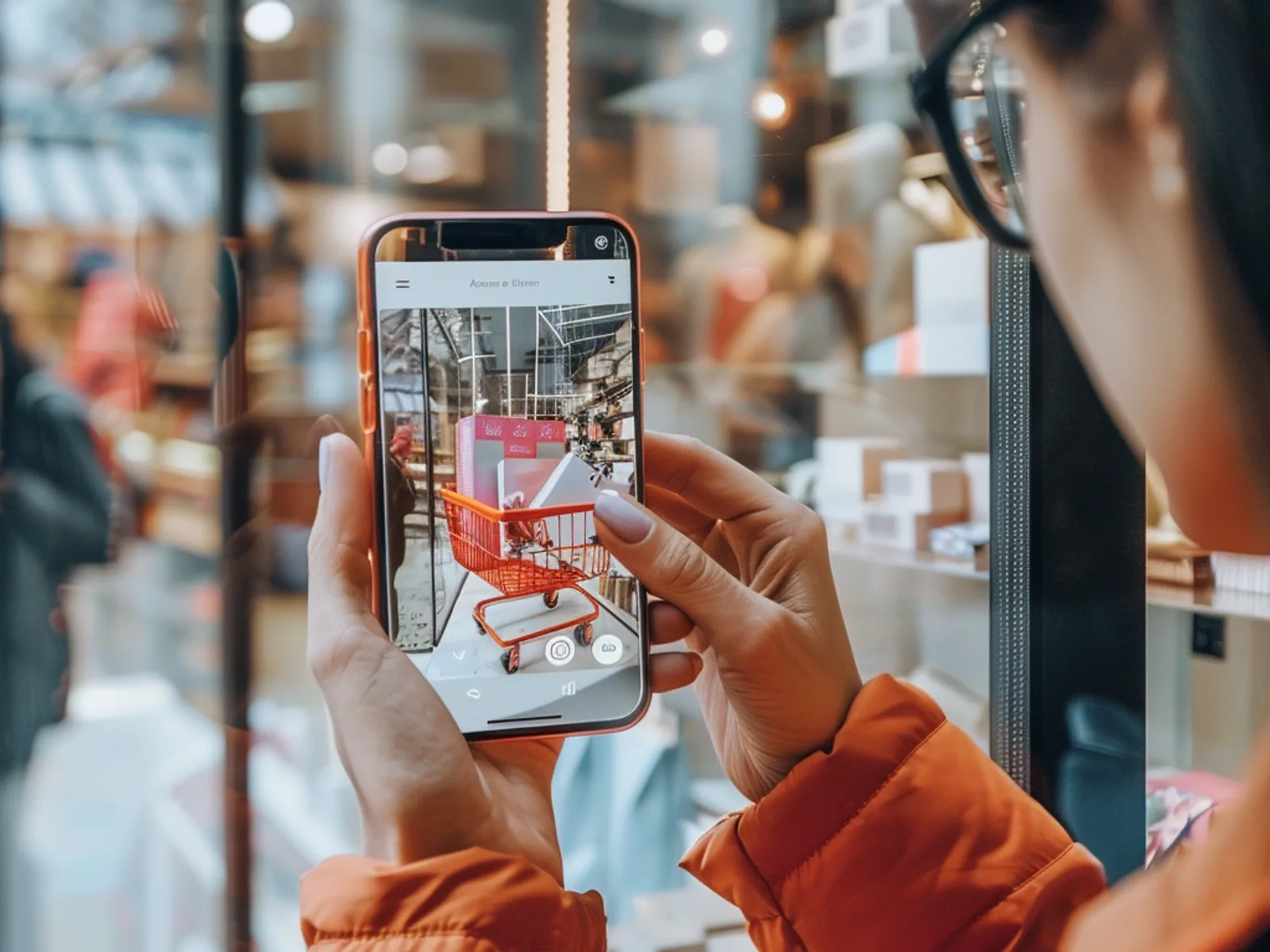
What Is Augmented Reality? A Simple Guide for Businesses
Augmented reality (AR) overlays digital content, such as 3D products, animations, games or information, onto the real world through a smartphone camera. For businesses it turns packaging, posters, stores and product pages into interactive experiences that customers can try instantly, usually in the browser without downloading an app.
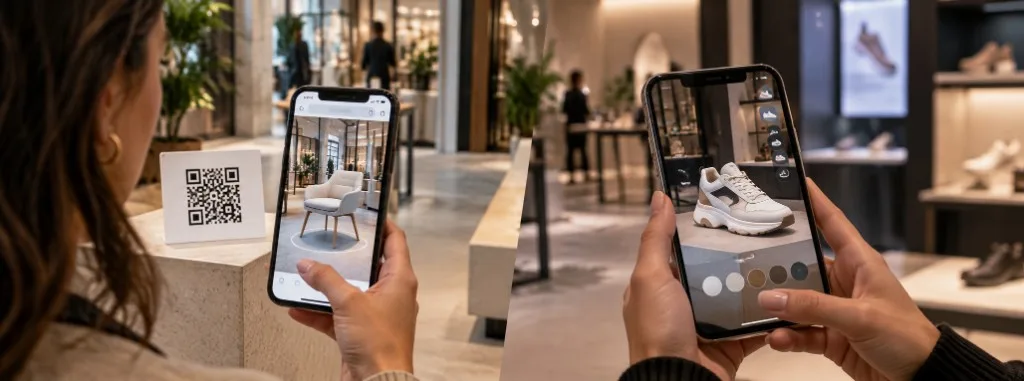
WebAR vs app-based AR: which should you use?
WebAR and app-based augmented reality both place digital content over the real world, but they do not solve the same problem. WebAR opens in the browser from a QR code or a link, with no download, and prioritises reach. An app requires installation and prioritises depth: advanced features, repeat use and offline work.
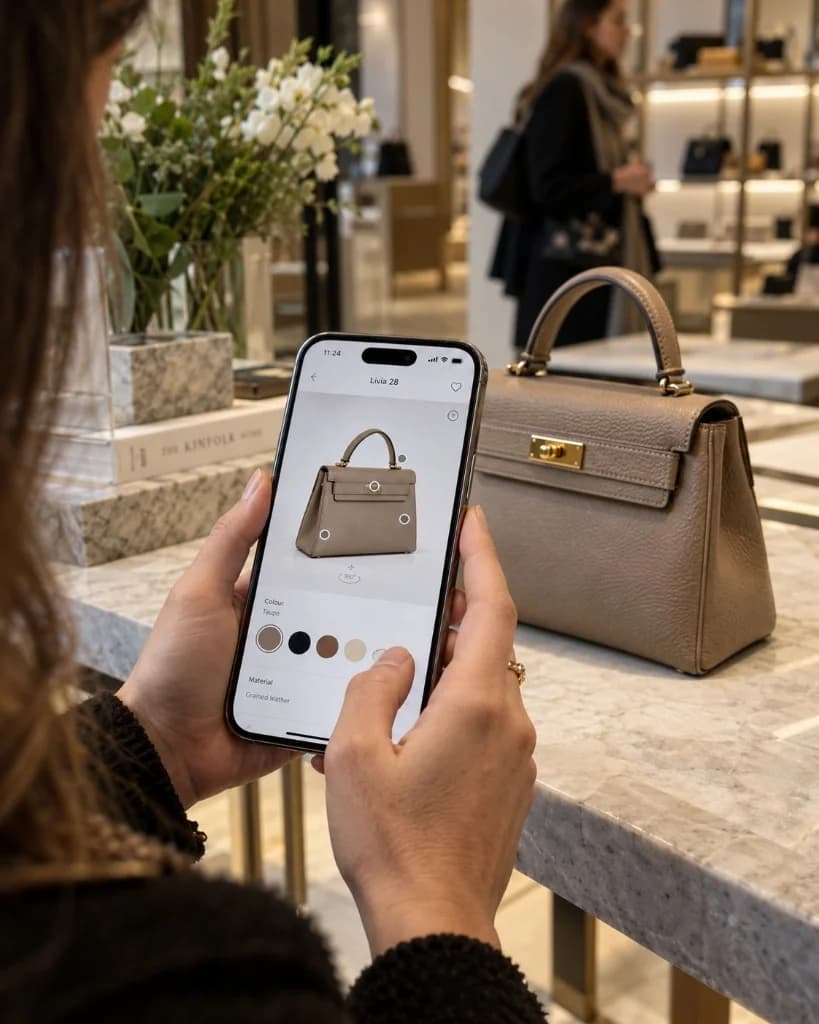
How Much Does an Augmented Reality Experience Cost?
There is no single published price. The cost of an augmented reality experience depends on the number and quality of 3D assets, interactivity, the platform (browser or app), integrations such as CRM or eCommerce, and how long the campaign stays live. Tell us about your idea and we will prepare a free, no-obligation quote.