
What Is Augmented Reality? A Simple Guide for Businesses
Augmented reality (AR) overlays digital content, such as 3D products, animations, games or information, onto the real world through a smartphone camera. For businesses it turns packaging, posters, stores and product pages into interactive experiences that customers can try instantly, usually in the browser without downloading an app.
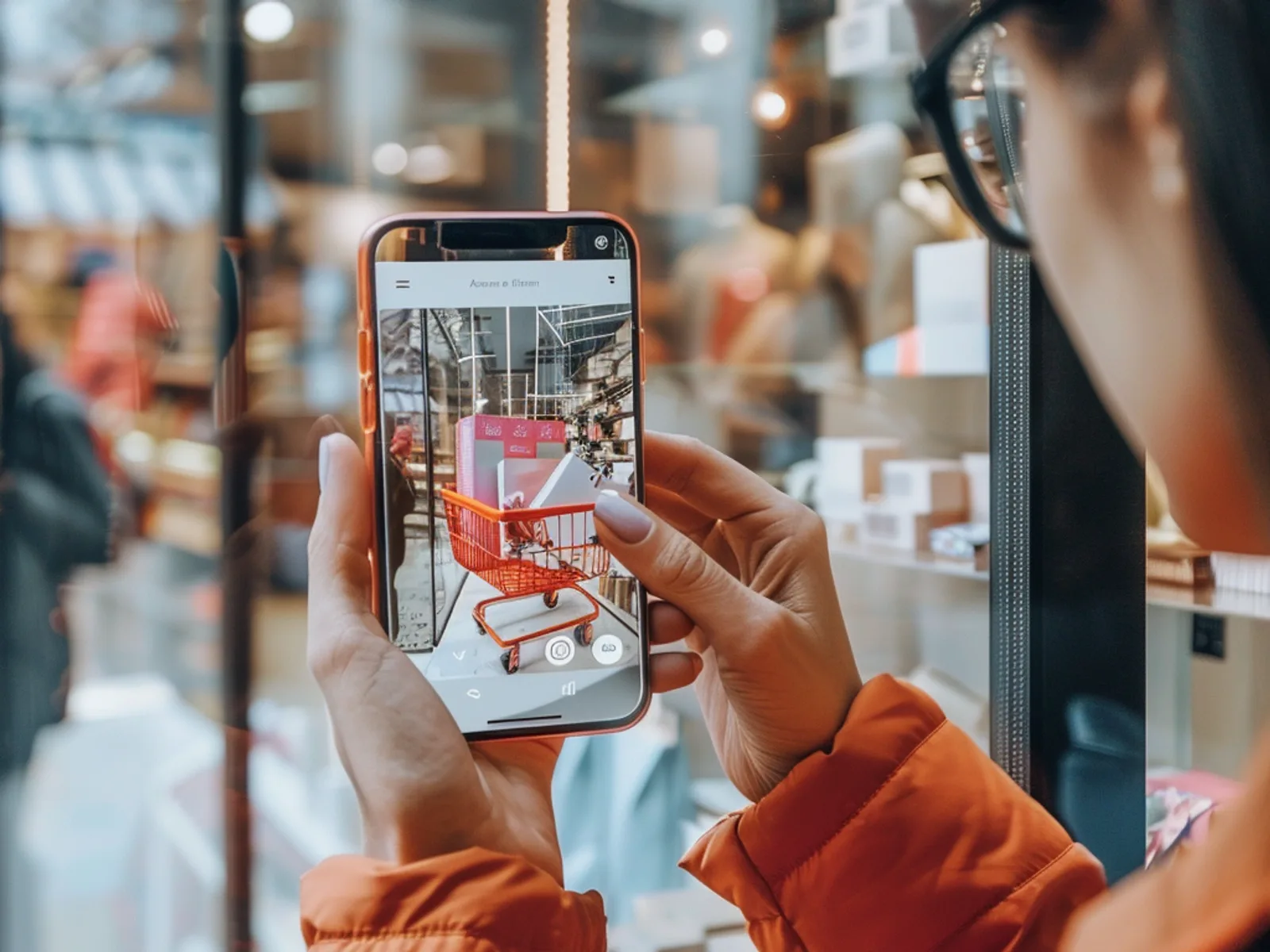
How does augmented reality work?
The phone camera reads the scene, the software works out where surfaces, images or faces are, and a digital layer is drawn on top in the correct position, scale and lighting. The user sees the real world and the digital content together on screen, and can move around it or interact with it.
Behind the scenes, every AR experience repeats three steps many times per second:
- TrackingThe device detects a reference point: a flat surface such as the floor, a printed image (a poster, a pack, a card), a face or a foot.
- PlacementA 3D model or animation is anchored to that point and rescaled automatically as the user moves closer or further away.
- LightingThe system reads the light in the room and applies it to the digital object. This is the step that most determines whether the result looks real or looks like a sticker.
AR, VR and mixed reality: what is the difference?
Augmented reality adds digital content to the real world you can still see. Virtual reality replaces the real world entirely with a digital one, using a headset. Mixed reality sits between the two: digital objects are anchored in your real space and react to it, usually viewed through a headset such as Meta Quest or Apple Vision Pro.
| Augmented reality (AR) | Virtual reality (VR) | Mixed reality (MR) | |
|---|---|---|---|
| What you see | Real world + digital layer | Fully digital world | Real world + interactive digital objects |
| Device | Smartphone or tablet | VR headset | MR headset |
| Reach | Very high: anyone with a phone | Limited to available headsets | Limited to available headsets |
| Typical use | Campaigns, packaging, retail, eCommerce | Events, showrooms, training | Industry, complex product demos |
WebAR or an app: which do you need?
WebAR runs in the phone's web browser from a link or QR code, with nothing to install. That removes the biggest barrier to participation, which makes it the default choice for most marketing campaigns, packaging and in-store activations.
App-based AR makes sense when you need features the browser cannot yet offer reliably, when users will come back repeatedly, or when the experience lives inside an existing brand app. Visualife's H&M Halloween campaign, for example, used an app with in-store AR challenges and passed 10,000 downloads in a single week.
How do businesses use augmented reality?
- Interactive packaging and print: a pack, label, poster or greeting card becomes a trigger for video, 3D or a game. Loewe Perfumes used AR cards so shoppers could attach a personal video message to a gift (see the case).
- Gamified campaigns: treasure hunts, collections and challenges that reward participation. The IKONO treasure hunt registered more than 3,500 players in two weeks across 7 cities.
- Product visualisation: customers place a true-to-scale 3D product in their own space before buying, from furniture to industrial machinery.
- Virtual try-on: trainers, glasses, jewellery or make-up tried on through the camera, online or in store (virtual try-on).
- In-store experiences: AR on windows, displays and shelves that drives footfall and dwell time.
- Events and trade shows: AR that brings a stand to life or shows a product that is too big or complex to bring.
What do you need to start an AR project?
- A clear objective: awareness, leads, sales, footfall or education. It shapes everything else.
- A trigger: where the experience starts, whether a QR code, a pack, a poster, a link or a product page.
- Content: usually 3D models of your product or characters. Building and optimising good 3D assets is often the slowest part of the project, more than the development itself.
- A measurement plan: which metrics you will track and where the data will go (CRM, analytics, lead export).
How do you measure the results of AR?
Unlike a printed poster, AR is fully measurable. The most common metrics are scans or sessions, average interaction time, completion rate, shares, leads captured and clicks through to purchase. In the IKONO campaign, 97% of participants completed at least one game: a sign that the experience held attention, not just that people scanned it.
Key takeaways
- AR adds a digital layer to the real world through a phone camera.
- WebAR works in the browser with no app, which maximises reach.
- The most common business uses are packaging, gamified campaigns, product visualisation, virtual try-on and in-store activations.
- 3D content is often the critical path of a project.
- Every interaction can be measured, from scans to leads and sales.
Frequently asked questions
Do users need to download an app to use augmented reality?
No. With WebAR the experience opens in the phone's browser from a link or QR code. An app is only needed for specific features, repeat use or experiences inside an existing brand app.
Which phones support augmented reality?
Most smartphones from the last few years support AR in the browser on both iOS and Android. Some advanced features, such as precise surface detection, work best on more recent devices.
Is augmented reality only for big brands?
No. WebAR has lowered the cost of entry considerably. A focused experience, such as a 3D product viewable in AR or interactive packaging, can suit small and medium-sized businesses.
What is the difference between AR and VR?
AR adds digital content to the real world you can still see through your phone. VR replaces the real world with a fully digital environment using a headset.