
Product visualisation with augmented reality: how it works and when to use it
product visualisation with augmented reality lets the customer see a 3D model of the product at real size in their own environment through the phone camera. It is useful when the size, appearance or fit of the product influences the purchase decision: furniture, appliances, decoration, machinery or equipment.

How it works
- 3D model: it starts from a faithful model of the product, with its real dimensions.
- Environment detection: the phone analyses the camera to recognise floors, tables or walls.
- Placement at scale: the model is positioned on a surface at real size.
- Interaction: the user moves it, rotates it, changes colour or variant and takes screenshots.
On most current phones this can open in the browser, without installing anything (see WebAR or AR in an app).
When it is worth it
AR visualisation adds more value when:
- The product is large or is bought with a space in mind (sofas, kitchens, lamps, windows).
- There are doubts about size or aesthetics ("Will it fit?", "Will it go together?").
- The product is expensive or hard to return.
- It is sold at a distance: eCommerce, a digital catalogue, industrial equipment.
- There are many variants (colours, finishes, measurements) and you cannot display them all.
It pays off less for small products that are bought quickly and with low consideration, where good photographs are enough.
Use cases by sector
- Furniture and decoration: place a piece in the living room.
- Appliances: check the space for a fridge or an oven.
- Industry and B2B: show a machine at real scale in the customer's warehouse.
- Construction and interior design: coverings, windows, sanitaryware.
- Automotive: see an accessory or a vehicle in the garage.
- Events: show, on a stand, a product that cannot be transported.
For fashion and beauty there is a specific form: the virtual try-on.
What you need to launch it
- Optimised 3D models (reduced file size, well-resolved textures, correct scale). More in how to optimise 3D models.
- A visible place for the "View in your space" button: product page, digital catalogue or QR.
- Analytics to know how many users use it and what they do afterwards.
- A maintenance plan for when the catalogue changes.
How to get a good result
- Take care of the scale: a deviation in size destroys trust.
- Ensure materials that are true to life, with credible reflections and textures.
- Offer brief instructions ("point at the floor and move the phone").
- Allow people to share or save a screenshot.
- Keep a clear call to action: buy, request a quote or get in touch.
Common mistakes
- Models that are too heavy and slow to load.
- Not testing on mid-range phones.
- Hiding the AR button on the product page.
- Forgetting to measure the effect on sales or enquiries.
Key ideas
- AR visualisation reduces the customer's uncertainty.
- It is especially useful for bulky, expensive or customisable products.
- It needs 3D models that are faithful, light and to scale.
- It can be offered from a product page or with a QR.
- It should be measured like any other conversion lever.
Frequently asked questions
Can I use my CAD designs?
In many cases yes, but they usually need to be simplified and the materials prepared so they run smoothly on a phone.
Does it work on iPhone and on Android?
Yes. Recent phones on both systems support AR in the browser, with better performance on newer devices.
Does it increase sales?
It can help reduce doubts and returns, but the effect depends on the product and on how it is implemented. It is worth measuring it with a pilot.
Can it be integrated with an online shop?
Yes. We explain it in how to add AR visualisation to an online shop.
More guides on this topic
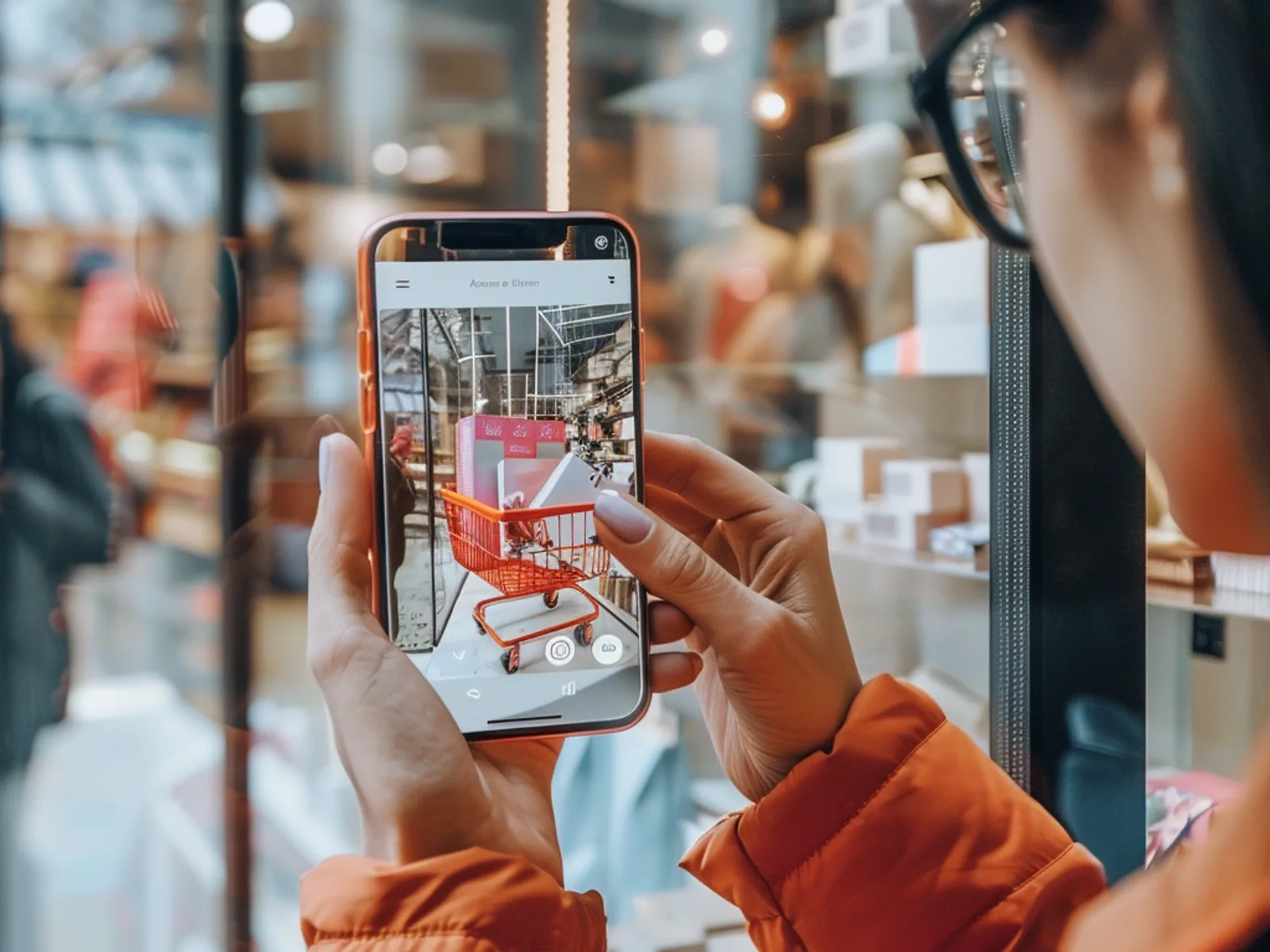
What Is Augmented Reality? A Simple Guide for Businesses
Augmented reality (AR) overlays digital content, such as 3D products, animations, games or information, onto the real world through a smartphone camera. For businesses it turns packaging, posters, stores and product pages into interactive experiences that customers can try instantly, usually in the browser without downloading an app.
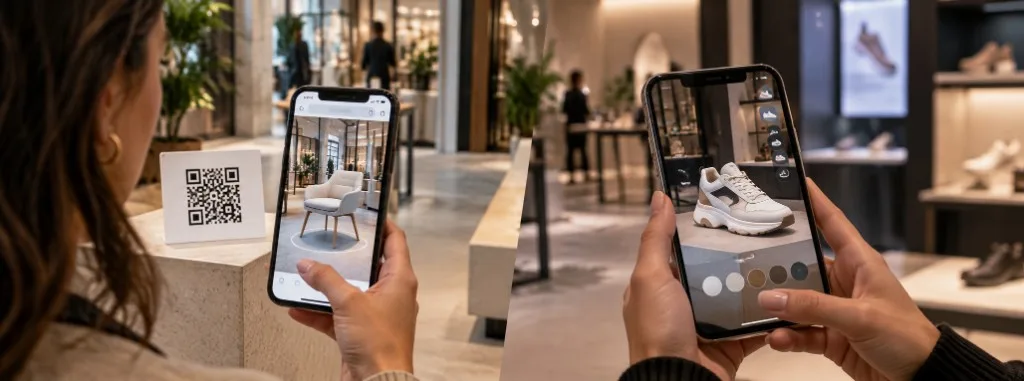
WebAR vs app-based AR: which should you use?
WebAR and app-based augmented reality both place digital content over the real world, but they do not solve the same problem. WebAR opens in the browser from a QR code or a link, with no download, and prioritises reach. An app requires installation and prioritises depth: advanced features, repeat use and offline work.
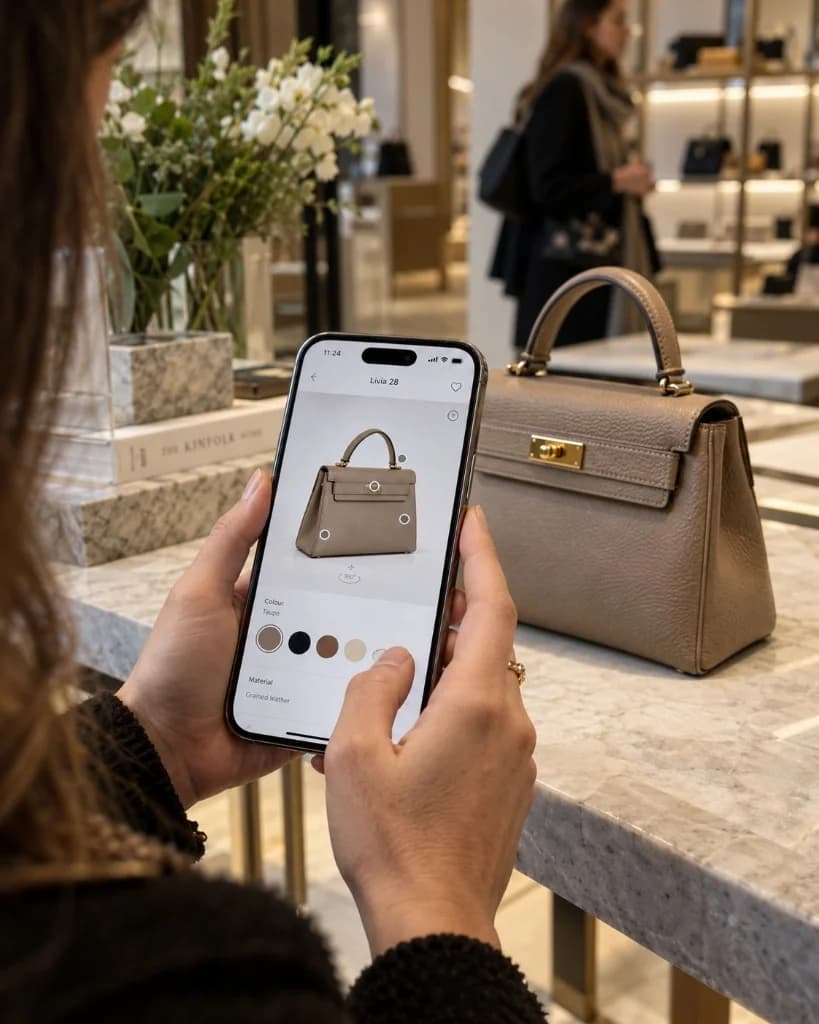
How Much Does an Augmented Reality Experience Cost?
There is no single published price. The cost of an augmented reality experience depends on the number and quality of 3D assets, interactivity, the platform (browser or app), integrations such as CRM or eCommerce, and how long the campaign stays live. Tell us about your idea and we will prepare a free, no-obligation quote.