
Common mistakes in augmented reality and how to avoid them
the most frequent mistakes in augmented reality are not technical but to do with the approach: not having a clear objective, requiring an app to be downloaded, not giving reasons to scan, using models that are too heavy, not testing on real phones and not measuring. All of them can be avoided with good planning.
1. Using it because "it looks modern"
AR should respond to a need: resolve a doubt, entertain, inform. If you cannot explain in one sentence what it gives the customer, rethink the idea.
How to avoid it: define the objective and the metric before choosing the technology.
2. Putting friction in the way of access
Downloading an app, creating an account or accepting many permissions drastically reduces participation in one-off activations.
How to avoid it: use WebAR with a QR or a link, and leave the app for cases that really need it (see WebAR or AR in an app).
3. Not explaining why to scan
A QR without context is decoration. People scan when they understand what they get in return.
How to avoid it: add a hook line next to the code and a brief indication of what to do.
4. Experiences that are too long or complicated
If the user does not understand what to do within five seconds, they leave.
How to avoid it: one main action, minimal instructions and a short duration.
5. 3D models that are heavy or badly scaled
Long loading times and objects of the wrong size destroy credibility.
How to avoid it: optimise the models, check the real scale and test on normal mobile connections.
6. Testing only on the team's phone
What works on a latest-generation phone can fail on one from three years ago.
How to avoid it: test on several iOS and Android devices, with different browsers and in real conditions.
7. Ignoring the environment of use
Low light, reflections, poor coverage or tight spaces affect detection.
How to avoid it: visit the real place of use (shop, trade show, street) and adapt the design.
8. Forgetting the call to action
The experience ends and the user does not know what to do next.
How to avoid it: close with a clear action: buy, book, register, share.
9. Not measuring or learning
Without data you will not know whether it worked or what to improve.
How to avoid it: install analytics from the start and review the results every week (measurement guide).
10. Not promoting the experience
A good project without promotion goes unnoticed.
How to avoid it: set aside budget and space to communicate it: physical media, social networks, email, shop staff.
11. Neglecting privacy and legal matters
Collecting data without consent or without a clear policy creates risks.
How to avoid it: include a privacy and cookies notice, and review the terms of any prize draw or promotion.
Quick checklist before launch
- [ ] Objective and metric defined.
- [ ] Access without unnecessary downloads.
- [ ] A clear reason to scan.
- [ ] Models optimised and to scale.
- [ ] Tests on real phones.
- [ ] A final call to action.
- [ ] Analytics active.
- [ ] A promotion plan.
- [ ] Legal review.
Key ideas
- Most mistakes come from a weak approach.
- Reducing friction multiplies participation.
- Test on real devices and in real environments.
- Always close with an action.
- Measure and improve.
Frequently asked questions
What is the most expensive mistake?
Building an app for a one-off activation when WebAR would have been enough.
How do I know if my idea is too complex?
If you cannot explain it in one sentence, or it requires more than two minutes, simplify it.
What do I do if the experience fails on some phones?
Offer an alternative (a video or an on-screen 3D model) and check compatibility before launch.
Can mistakes be corrected once the campaign has launched?
Many of them can: copy, timings and calls to action are adjusted without rebuilding the experience.
More guides on this topic
What Is Augmented Reality? A Simple Guide for Businesses
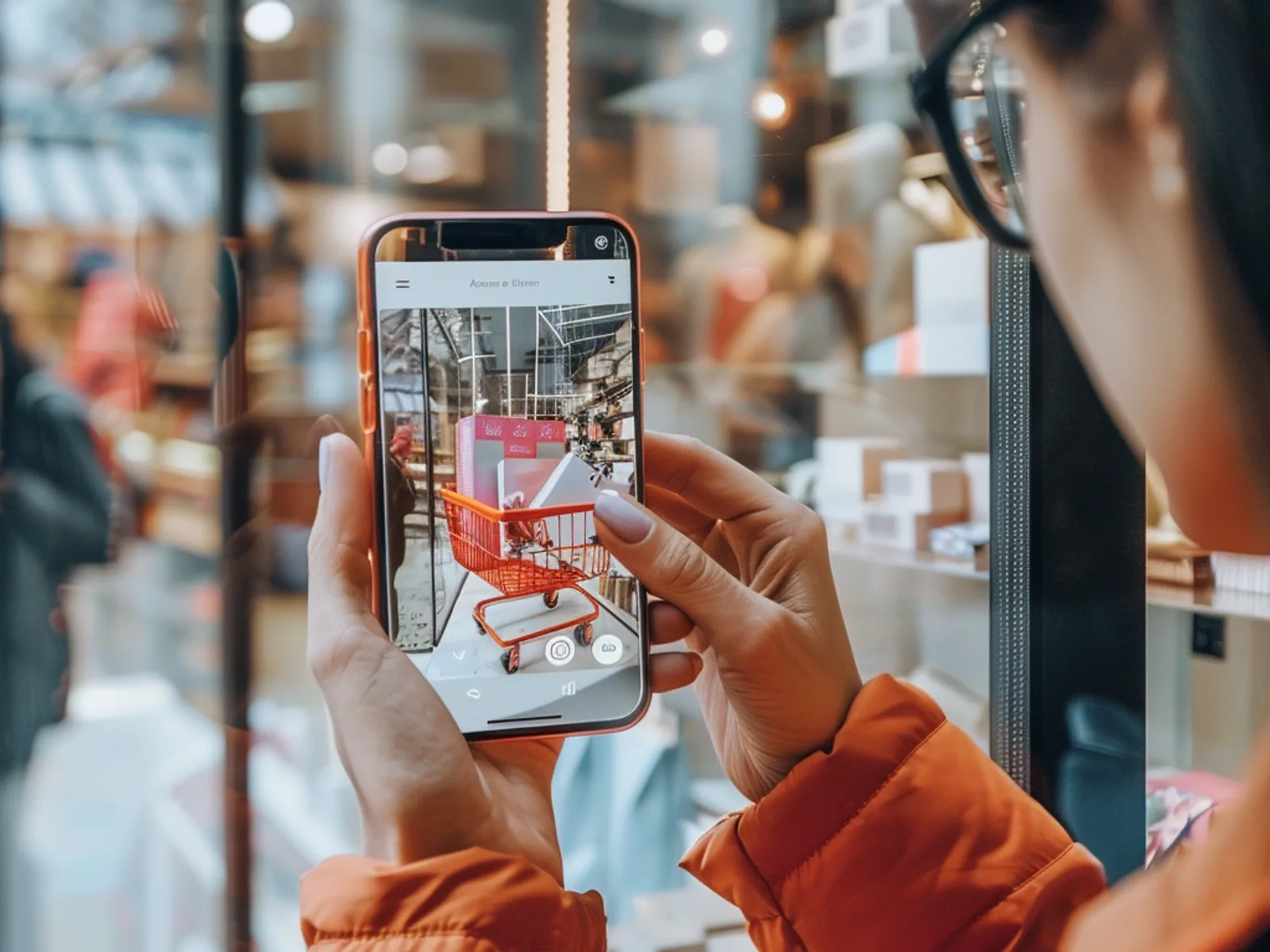
Augmented reality (AR) overlays digital content, such as 3D products, animations, games or information, onto the real world through a smartphone camera. For businesses it turns packaging, posters, stores and product pages into interactive experiences that customers can try instantly, usually in the browser without downloading an app.
WebAR vs app-based AR: which should you use?
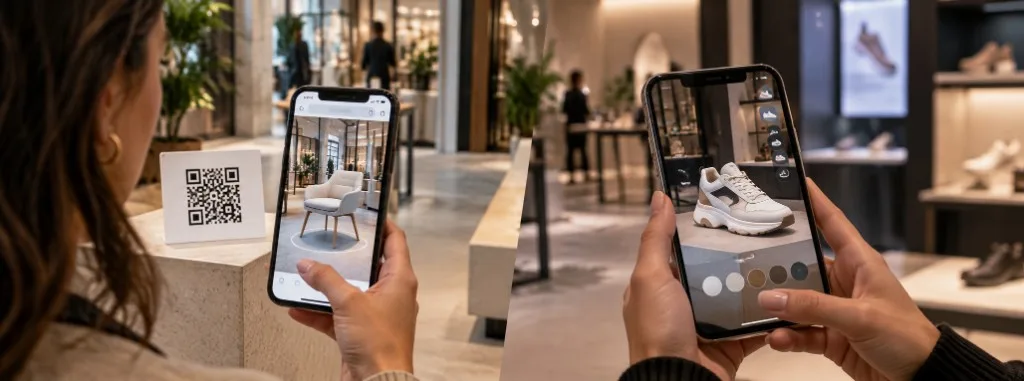
WebAR and app-based augmented reality both place digital content over the real world, but they do not solve the same problem. WebAR opens in the browser from a QR code or a link, with no download, and prioritises reach. An app requires installation and prioritises depth: advanced features, repeat use and offline work.

How Much Does an Augmented Reality Experience Cost?
There is no single published price. The cost of an augmented reality experience depends on the number and quality of 3D assets, interactivity, the platform (browser or app), integrations such as CRM or eCommerce, and how long the campaign stays live. Tell us about your idea and we will prepare a free, no-obligation quote.