
How to create an augmented reality campaign: a step-by-step guide
an augmented reality campaign is created in six steps: define the objective, choose the touchpoint and the format (WebAR or app), prepare the 3D content, design and develop the experience, test it on real devices and measure the results. Most delays come from the content, not the technology, so it is worth starting there.
Step 1. Define the objective and the metric
Before talking about technology, answer one question: what should happen after someone uses the experience? The usual answers are:
- That they remember the brand (awareness).
- That they visit a shop or a stand (traffic).
- That they leave their details (leads).
- That they buy, or hesitate less when buying (conversion).
Each objective has a main metric associated with it. If you cannot say what yours is, the campaign is not yet ready to be produced.
Step 2. Choose the touchpoint and the access
The touchpoint is the place where the person discovers the experience: a pack, a poster, a display, a website, an email or a stand. Also define how they access it:
- QR or short link to a WebAR experience (the usual option in campaigns).
- Visual code on the pack or the printed piece that triggers content on the medium itself.
- Your own application, only if you need recurring use, advanced features or offline work.
In WebAR or AR in an app you will find the criteria for deciding.
Step 3. Design the concept and the mechanic
A good concept fits in one sentence: "the user scans the poster, places the product in their living room and buys it". Then define:
- The main action (view, place, try, play, collect).
- The duration: most marketing experiences are consumed in under two minutes.
- The reward: useful information, a coupon, entry into a prize draw or a sense of achievement.
- The final call to action: buy, book, register, share.
Draw the full journey on one page before producing anything. If it needs an explanation, it is too complicated.
Step 4. Prepare the content
The content is usually the slowest part. You need to gather or create:
- 3D models of the product or the characters, optimised for mobile (see how to optimise 3D models for web, AR and VR).
- Animations, sounds and copy in the languages of the campaign.
- Visual identity and legal items: logos, prize-draw terms, privacy policy and cookie consent.
If your company already has CAD designs or renders, it is possible to reuse them, but they almost always need to be simplified.
Step 5. Develop and test
During development the content is integrated, the interaction is programmed and it is connected to the measurement tools (analytics, CRM or lead form). It is essential to test the experience:
- On real phones, high-end and also mid-range or a few years old.
- On iOS and Android, with different browsers.
- In the real place of use: the lighting of a shop, reflections on a pack, coverage at a trade show.
- With people who do not know the project, to see whether they understand what to do without instructions.
Step 6. Launch, measure and optimise
The launch is not the end. During the first few weeks, review:
- How many people scan and how many complete the experience.
- Where they drop off.
- Which devices or browsers cause problems.
With that data, copy, timings and calls to action are adjusted. See how to measure the ROI of an AR campaign.
Indicative timetable
| Phase | What it includes |
|---|---|
| Strategy and concept | Objective, mechanic, script |
| Content | 3D models, copy, sounds |
| Development | Integration, programming, analytics |
| Testing | Devices, adjustments, approval |
| Launch and follow-up | Publication and improvement |
Real timelines depend on the content available. We discuss them in how long it takes to create an AR or VR experience.
Key ideas
- Start with the objective and the metric, not the technology.
- The touchpoint determines the access format.
- A good mechanic is explained in one sentence and lasts under two minutes.
- 3D content is usually the bottleneck.
- Test on real phones and in the real place of use.
Frequently asked questions
How long does it take to create an AR campaign?
It depends on the content and the complexity. Simple experiences with models that already exist are considerably faster than those that require 3D content to be created from scratch.
Do I need to have 3D models before starting?
No, but you will save time if you do. If not, they can be created from photographs, CAD designs or scanning.
Who from the company should take part in the project?
Marketing as the lead, product to provide the content, legal for the terms and privacy, and, where relevant, the shop or events for the logistics.
Can I reuse the campaign in other markets?
Yes, if it is designed from the start with copy and assets that are easy to translate.
More guides on this topic
What Is Augmented Reality? A Simple Guide for Businesses
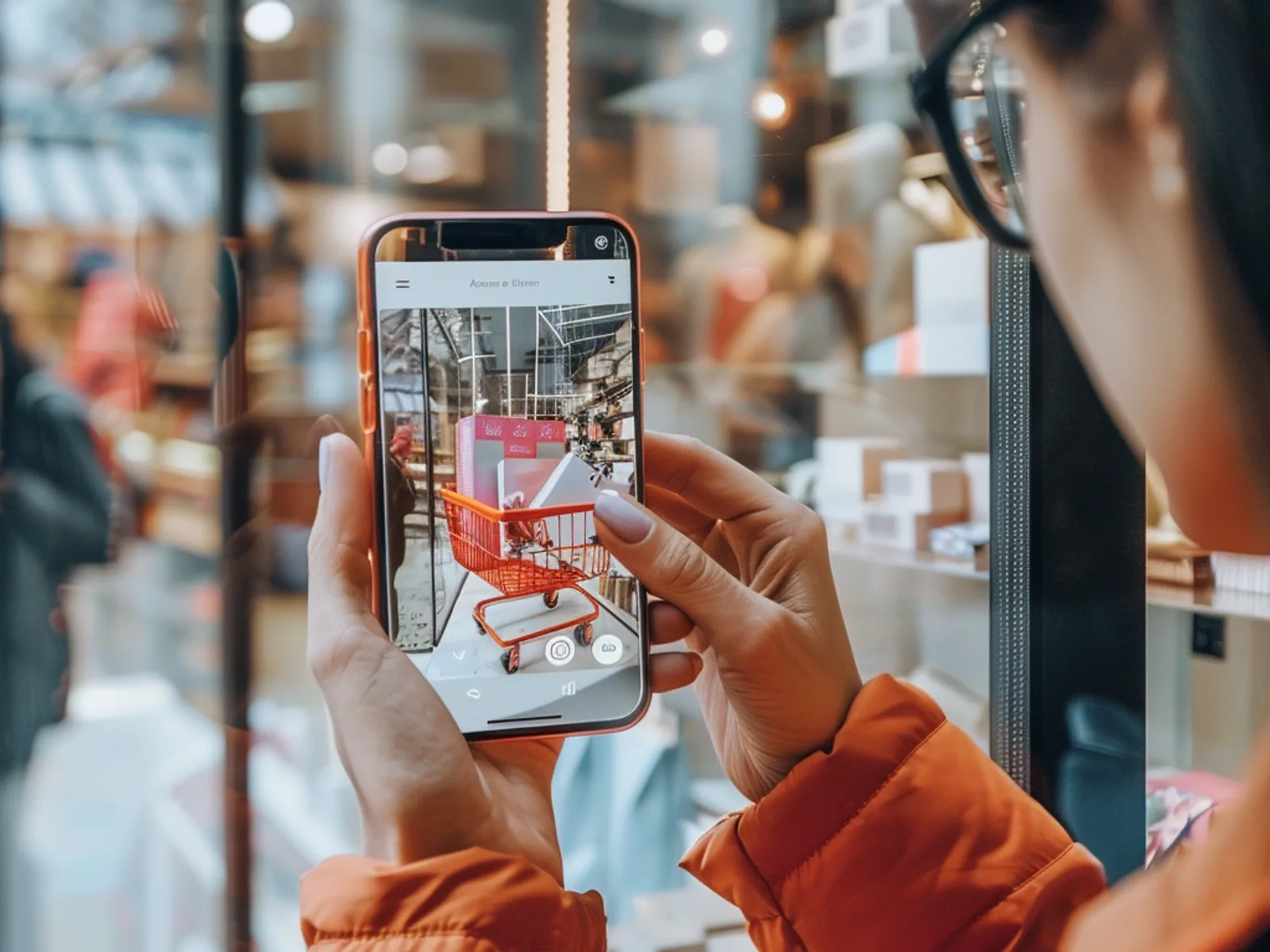
Augmented reality (AR) overlays digital content, such as 3D products, animations, games or information, onto the real world through a smartphone camera. For businesses it turns packaging, posters, stores and product pages into interactive experiences that customers can try instantly, usually in the browser without downloading an app.
WebAR vs app-based AR: which should you use?
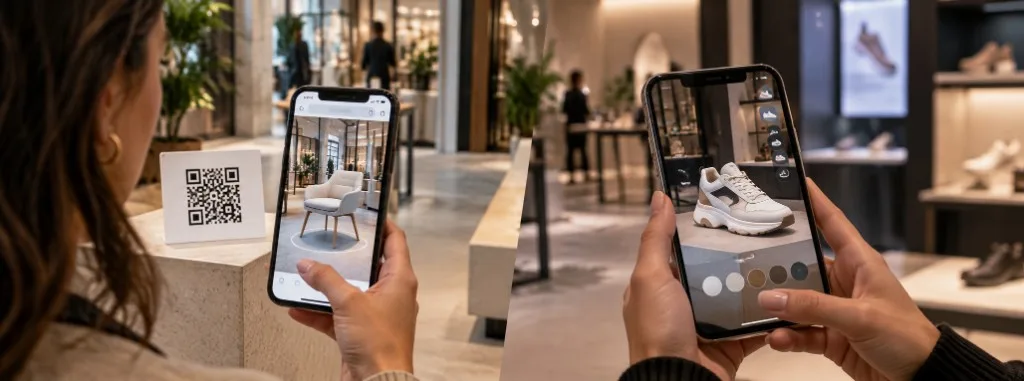
WebAR and app-based augmented reality both place digital content over the real world, but they do not solve the same problem. WebAR opens in the browser from a QR code or a link, with no download, and prioritises reach. An app requires installation and prioritises depth: advanced features, repeat use and offline work.
How Much Does an Augmented Reality Experience Cost?
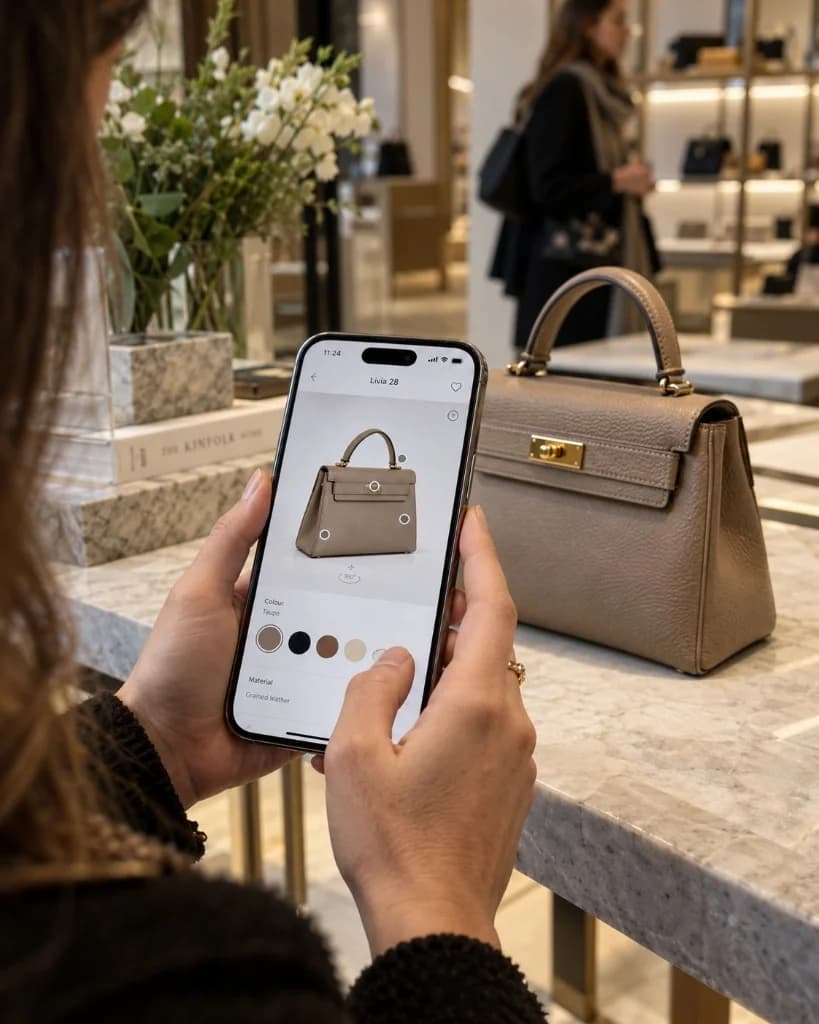
There is no single published price. The cost of an augmented reality experience depends on the number and quality of 3D assets, interactivity, the platform (browser or app), integrations such as CRM or eCommerce, and how long the campaign stays live. Tell us about your idea and we will prepare a free, no-obligation quote.