
How to demonstrate large machinery without taking it to the trade show
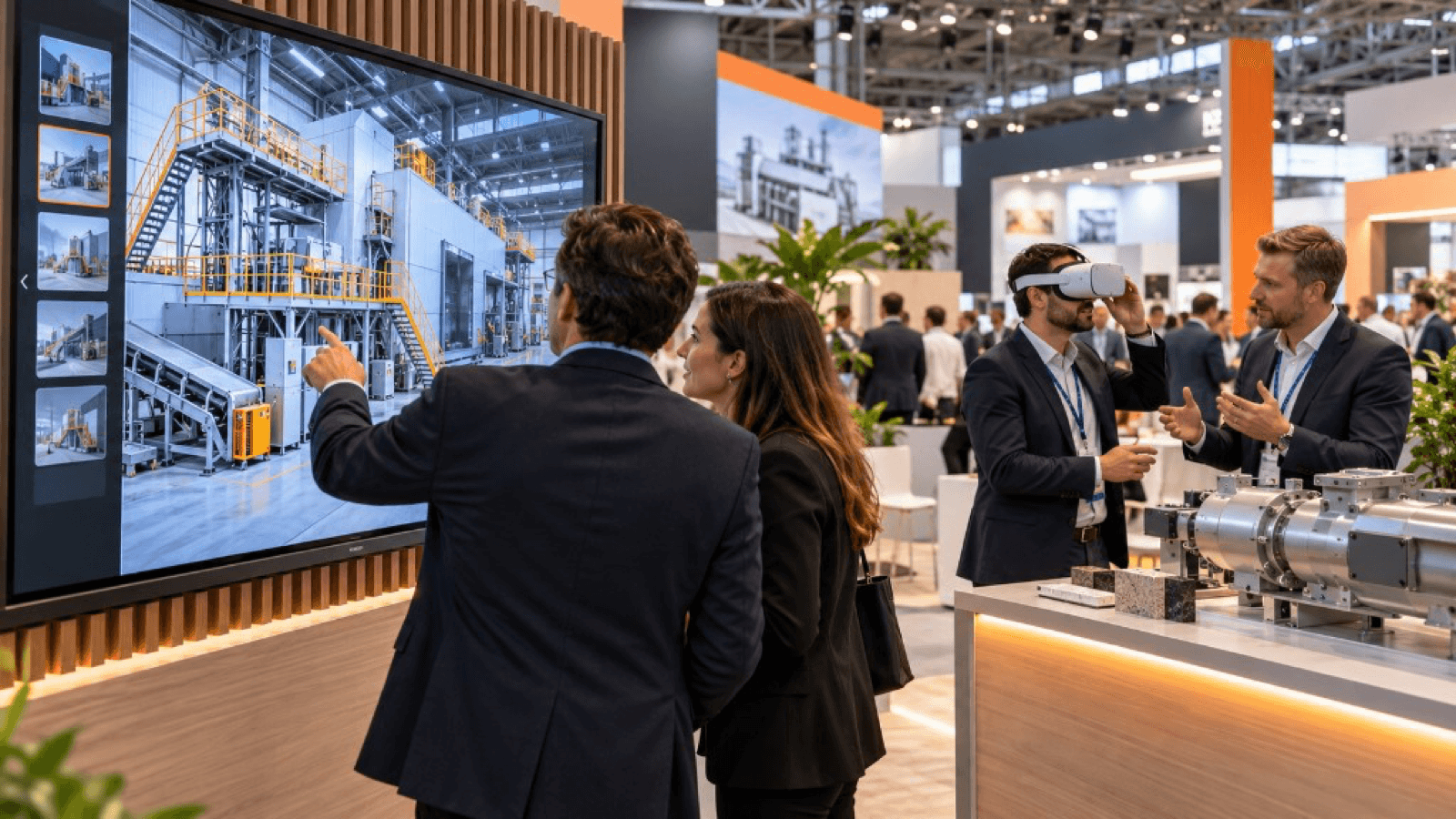
you can show large machinery at a trade show with a faithful 3D model visualised in virtual reality (at real scale and in operation), in augmented reality on the stand floor, or by combining both with a scale model, a video and a salesperson. You save transport, set-up and risk, and you can show variants and the inside of the equipment.
The problem with machinery at trade shows
Taking a machine to a trade show involves:
- Special transport and insurance.
- Costly set-up and dismantling.
- Larger stand space.
- Safety and supply limitations (power, air, water).
- Only one configuration visible.
- Risk of damage or of it not working during the trade show.
A digital alternative solves part of these problems without giving up impact.
Options for demonstrating it
1. Virtual reality
The visitor puts on the headset and stands beside the machine, at 1:1 scale, in a virtual hall or plant. They can see it in operation, move closer, look inside and follow the process.
Ideal for: impact, technical explanation, a memorable experience.
2. Augmented reality
With a tablet or mobile, the machine appears on the stand floor or on a plan. Lighter than VR, it lets people see the equipment with the real surroundings.
Ideal for: quick visualisation, groups and audiences who do not want to use a headset.
3. Interactive digital twin
A 3D model on a touchscreen, with variants, options and technical data.
Ideal for: configuration and sales conversation.
4. Physical scale model + digital layer
A reduced-scale replica which, with the tablet, shows animations and how it works.
Ideal for: combining touch and technology.
5. Video and animation
A short piece of content that shows how it works. Useful for attracting people from the aisle.
How to choose
| Need | Recommended solution |
|---|---|
| Maximum impact and experience | VR |
| Quick access for many visitors | AR or touchscreen |
| Showing variants | Digital twin / configurator |
| Combining touch and technology | Scale model + digital layer |
| Attracting from a distance | Video and large screen |
What you need to do it well
- Faithful 3D model: usually from CAD, optimised for real time.
- Operating animations: movements, flows, processes.
- Use scenarios: plant environment, typical customers.
- Demonstration script: what to show and in what order.
- Suitable hardware and a backup plan.
- Trained salesperson to accompany.
Benefits
- Savings on transport, set-up and insurance.
- Flexibility: show several configurations.
- Safety: no handling risks.
- Reuse: the same content serves other trade shows, customer visits and training.
- Differentiation: few competitors offer it.
Limitations
- It does not replace the feel, the noise and the smell of a real machine.
- It requires a quality model and good production.
- Some customers want to see "the real thing": combine it with photographs, factory video and references.
Key ideas
- Large machinery can be shown without moving it.
- VR gives more impact; AR, more agility.
- A good 3D model is the foundation.
- You save costs and can show variants.
- Combine it with physical and sales elements to build trust.
Frequently asked questions
Is a video enough?
A video informs, but it does not allow exploration. VR and interactive 3D bring involvement.
Can it be reused for other purposes?
Yes: remote sales, training, maintenance and support.
How long does it take to prepare?
It depends on the quality of the CAD and the complexity of the animations.
What do I do with more traditional customers?
Complement it with documentation, references and the option of a real visit to the factory.
More guides on this topic
10 interactive ideas for trade shows that go beyond the gift
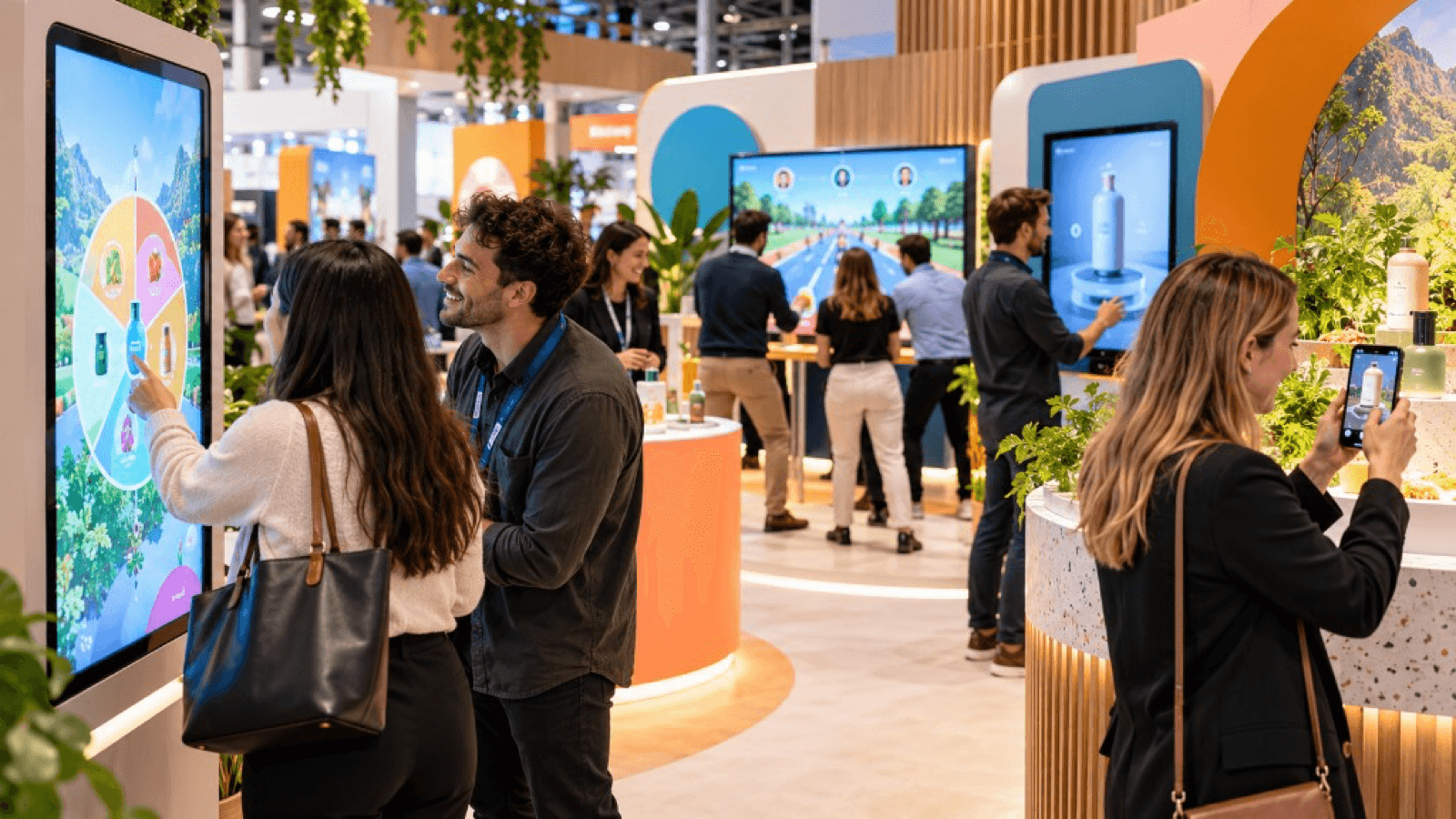
Ten interactive ideas to stand out at a trade show: virtual reality, games, configurators, AR, factory tours, challenges and experiences that capture qualified leads.
Technology checklist for trade shows: what you need before the event
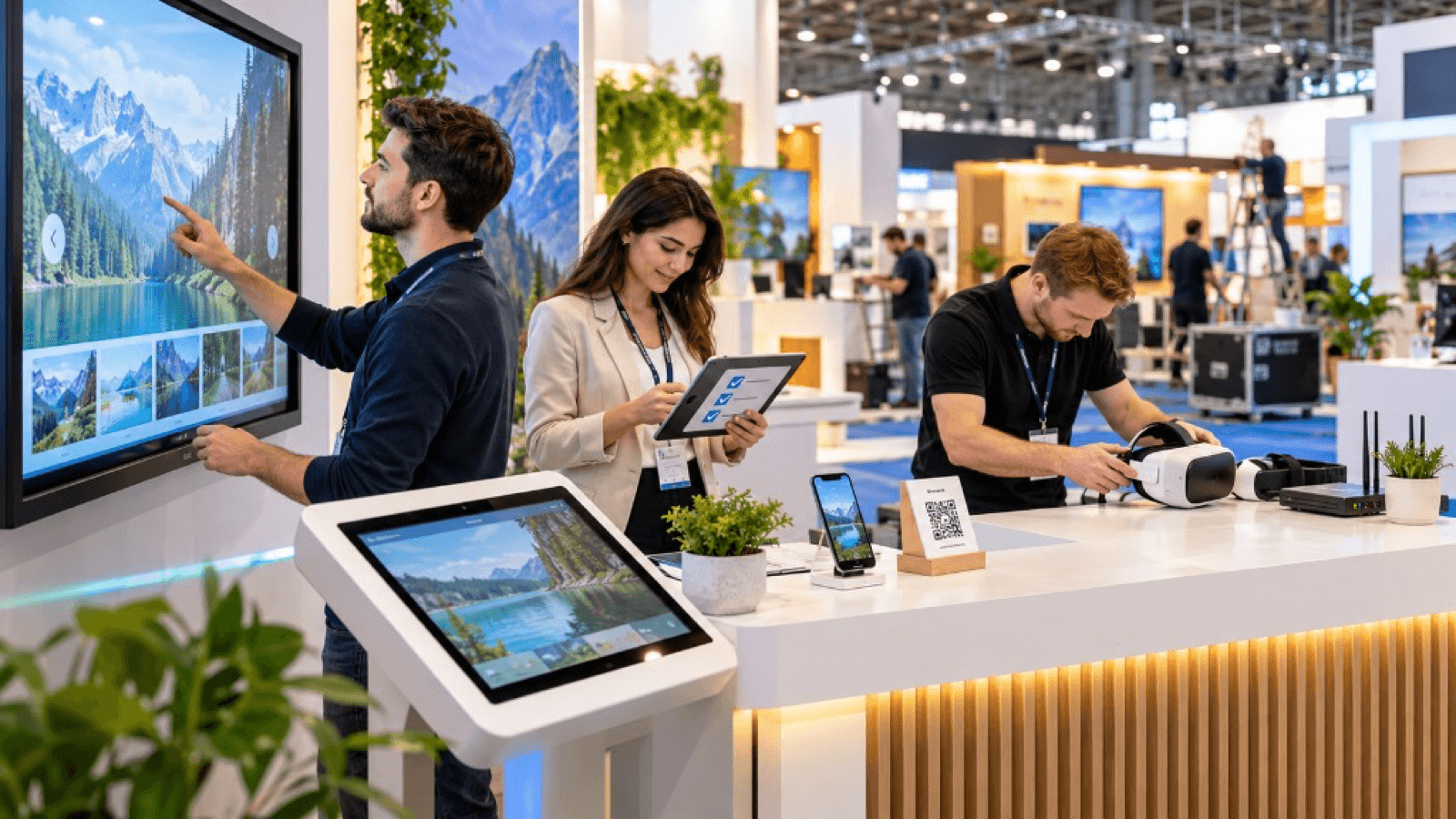
Technology checklist for your trade show stand: hardware, power, connectivity, content, plan B, staff, safety, logistics and prior testing.
How to attract more visitors to your stand at a trade show
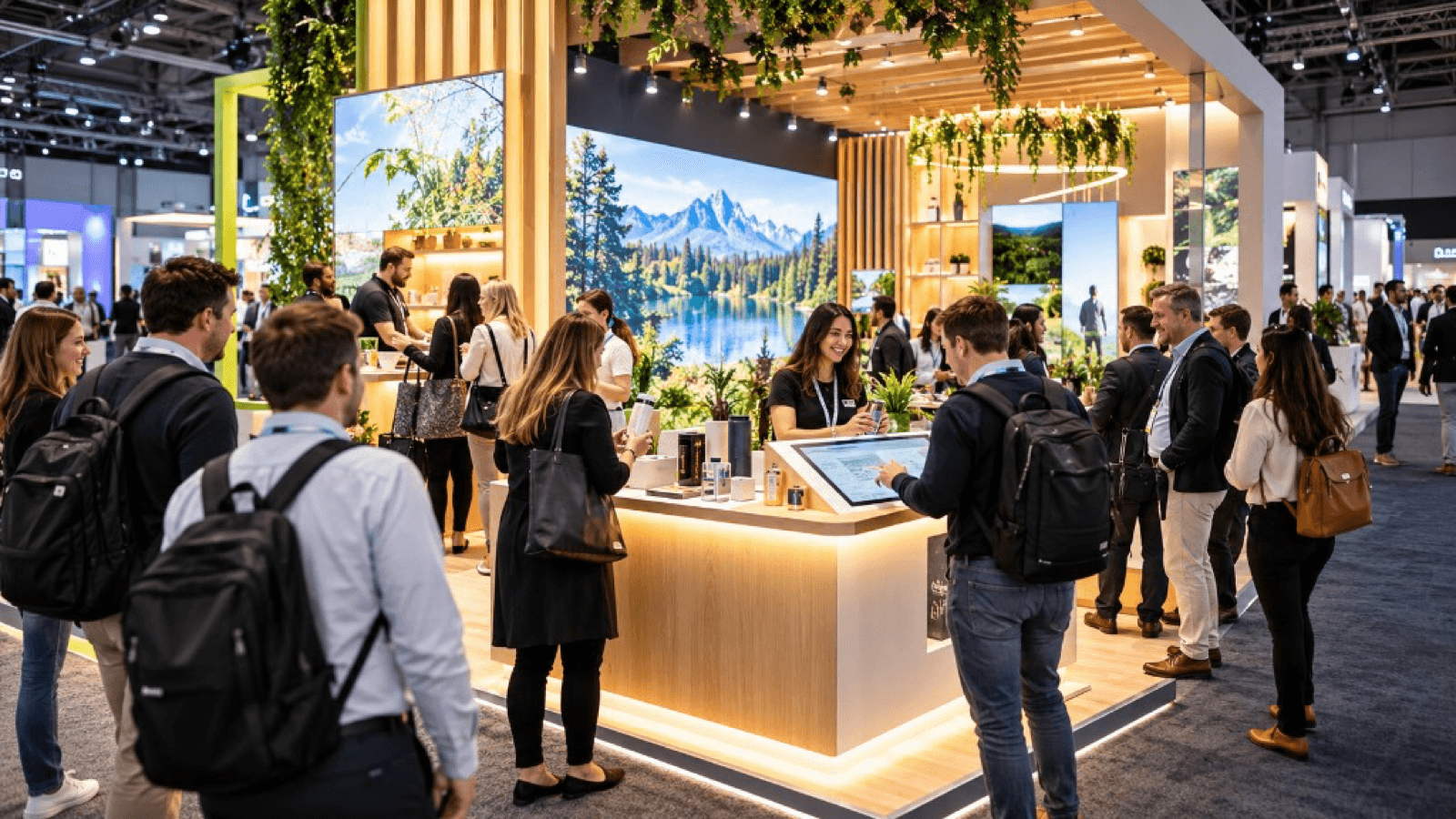
Strategies to attract visitors to your stand before, during and after a trade show: design, interactive experiences, digital preview, sales team and follow-up.