
How to use virtual reality at a trade show or exhibition
at a trade show, virtual reality works best when it solves a specific problem for the stand: showing a product that will not fit, explaining something complex or giving a memorable experience that attracts qualified visitors. It should be short (3-10 minutes), have a salesperson present, capture data at the end and be organised with slots and hygiene and safety measures.
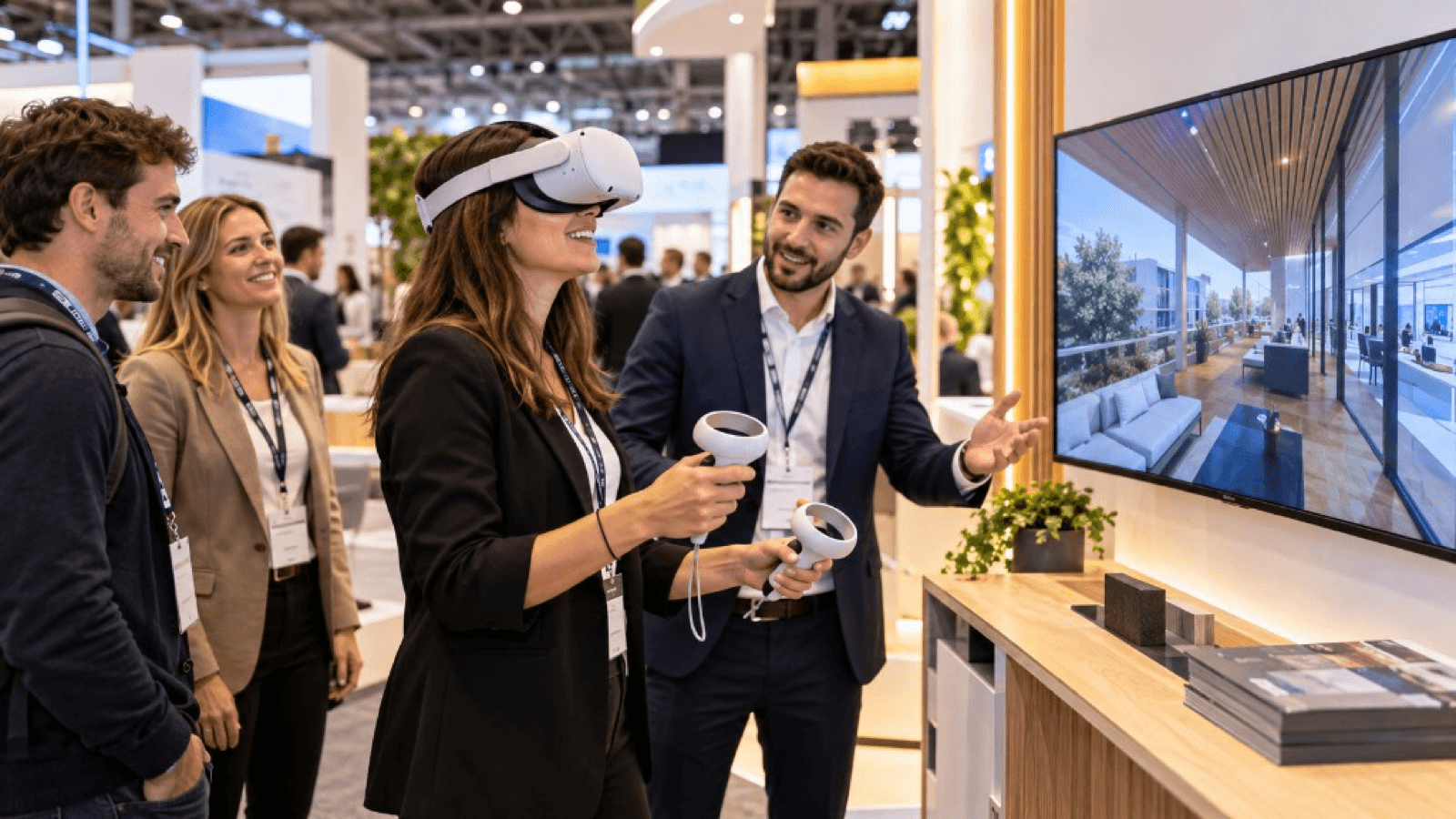
What VR is for at a stand
- Show what you cannot transport: machinery, installations, large systems.
- Explain the complex: internal processes, how things work, sequences.
- Differentiate yourself: offer something the competition does not have.
- Attract: the headsets draw attention from the aisle.
- Qualify: someone who spends ten minutes on a demo is genuinely interested.
This is the approach that best suits industrial, technical and engineering sectors, where the products are large, expensive and hard to exhibit.
Types of experience at a trade show
| Type | Duration | Example |
|---|---|---|
| Virtual tour | 3-5 min | Tour of the factory or the plant |
| Product demonstration | 5-8 min | Machine in operation at real scale |
| Technical explanation | 5-10 min | Interior of a piece of equipment, step-by-step process |
| Brand experience | 2-4 min | Immersive environment with a brand message |
| Game or challenge | 2-3 min | Competition with a ranking |
VR station design
- Visible area: so the audience can see someone using the headset and a screen showing what they see.
- Safe, marked-out space (safety guide).
- Seats if the experience allows it, for greater comfort and less risk.
- Mirror screen for those waiting and to support the sales conversation.
- Waiting area with attractive content.
- Conversation corner after the experience.
Team and roles
- VR host: fits headsets, supervises and cleans.
- Salesperson: talks before and after, and qualifies.
- Technical lead: resolves incidents.
Visitor journey
- Invitation in the aisle.
- Brief context ("You are going to see our production line in operation").
- Experience.
- Sales conversation with a clear thread.
- Data capture (QR or tablet).
- Follow-up afterwards.
Capturing leads
- Use a QR or short form after the experience.
- Ask about need and interest, not just contact details.
- Record what the visitor has seen to personalise the follow-up.
- Comply with the GDPR and ask for consent.
More in how to generate qualified leads at trade shows.
Hardware and connectivity
- Prefer standalone headsets with the experience installed locally (do not rely on the venue Wi-Fi, which usually gets congested).
- Take spare headsets and batteries.
- Prepare chargers and power strips.
- Test everything at the venue before it opens.
See technology checklist for trade shows.
Common mistakes
- Experiences that are too long and block the queue.
- Lack of staff to attend to people.
- Dependence on the internet.
- Not connecting the experience to the commercial offer.
- Not measuring results.
Key ideas
- VR at a trade show should solve a real problem for the stand.
- Short duration, host present and a salesperson for the next step.
- Prioritise standalone headsets and offline operation.
- Capture data with consent and record what each visitor saw.
- Look after safety, hygiene and queue management.
Frequently asked questions
How many visitors can I attend to in a day?
It depends on the session length and the number of headsets. Calculate capacity including fitting and cleaning.
Do I need my own staff?
Yes, at least a host and a salesperson. An agency can provide the technical host.
Does it work at small B2B trade shows?
Yes, and it is usually an even clearer differentiator.
What if someone does not want to put the headset on?
Offer a screen version of the same experience.
More guides on this topic
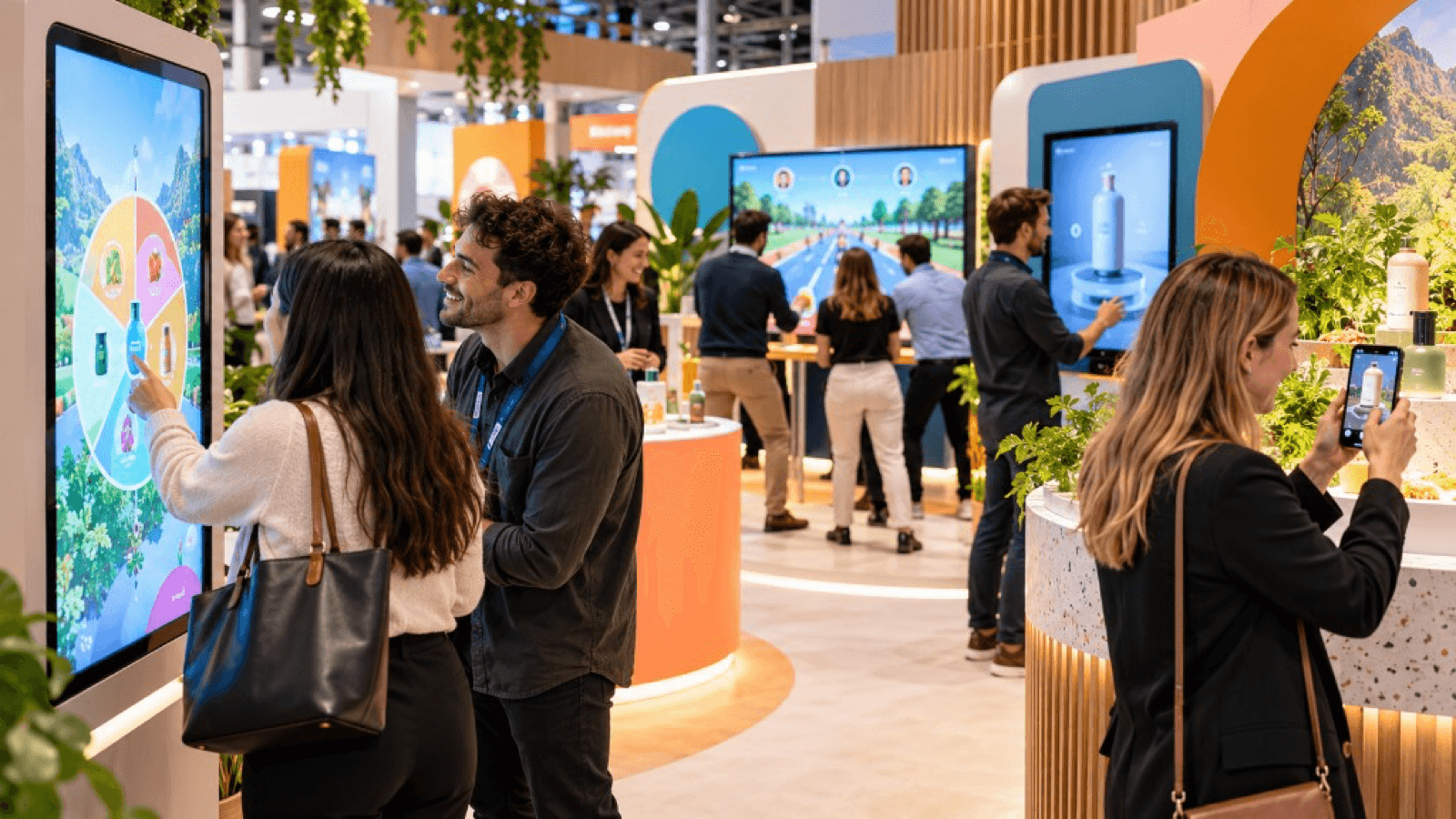
10 interactive ideas for trade shows that go beyond the gift
Ten interactive ideas to stand out at a trade show: virtual reality, games, configurators, AR, factory tours, challenges and experiences that capture qualified leads.
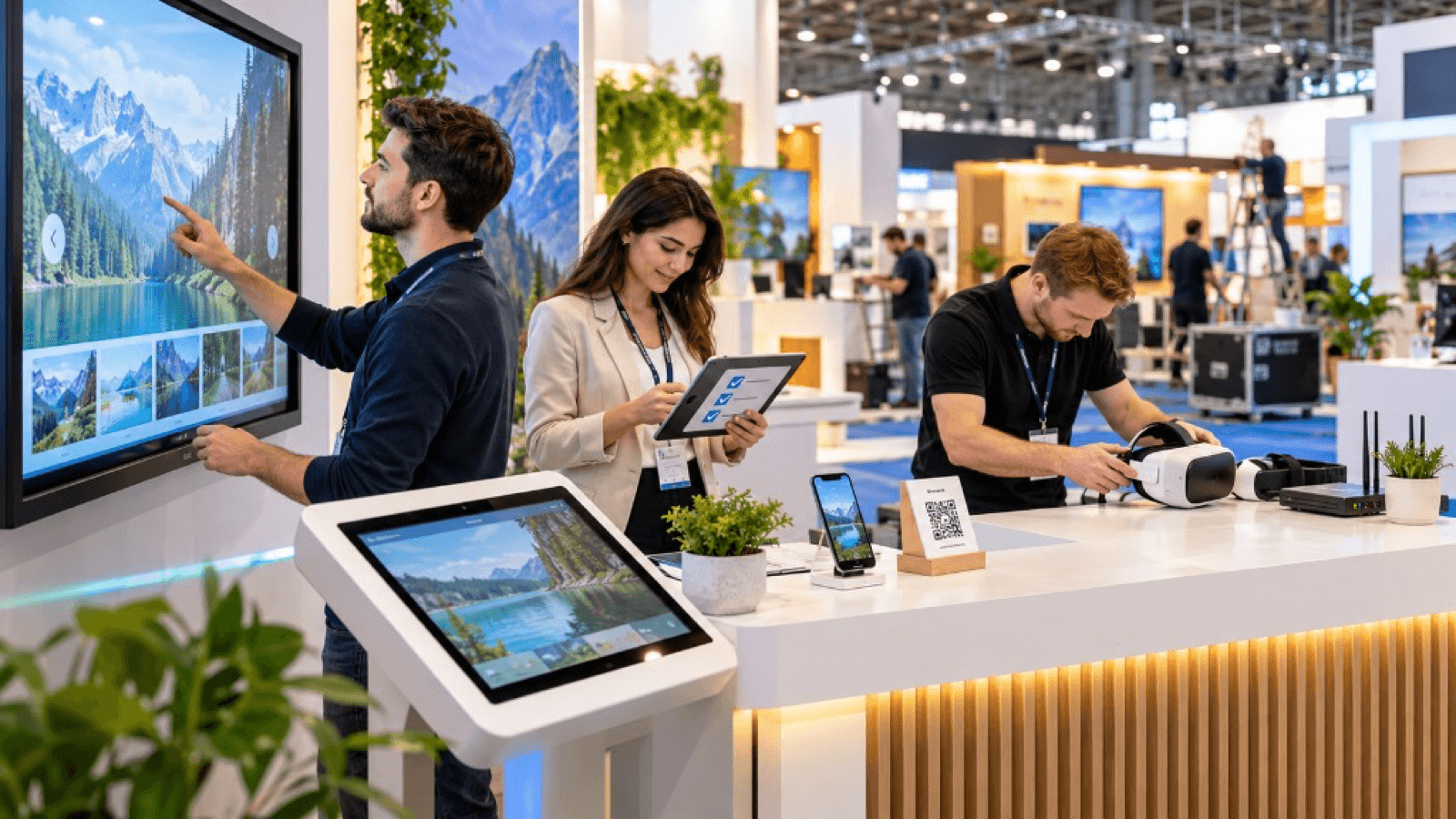
Technology checklist for trade shows: what you need before the event
Technology checklist for your trade show stand: hardware, power, connectivity, content, plan B, staff, safety, logistics and prior testing.
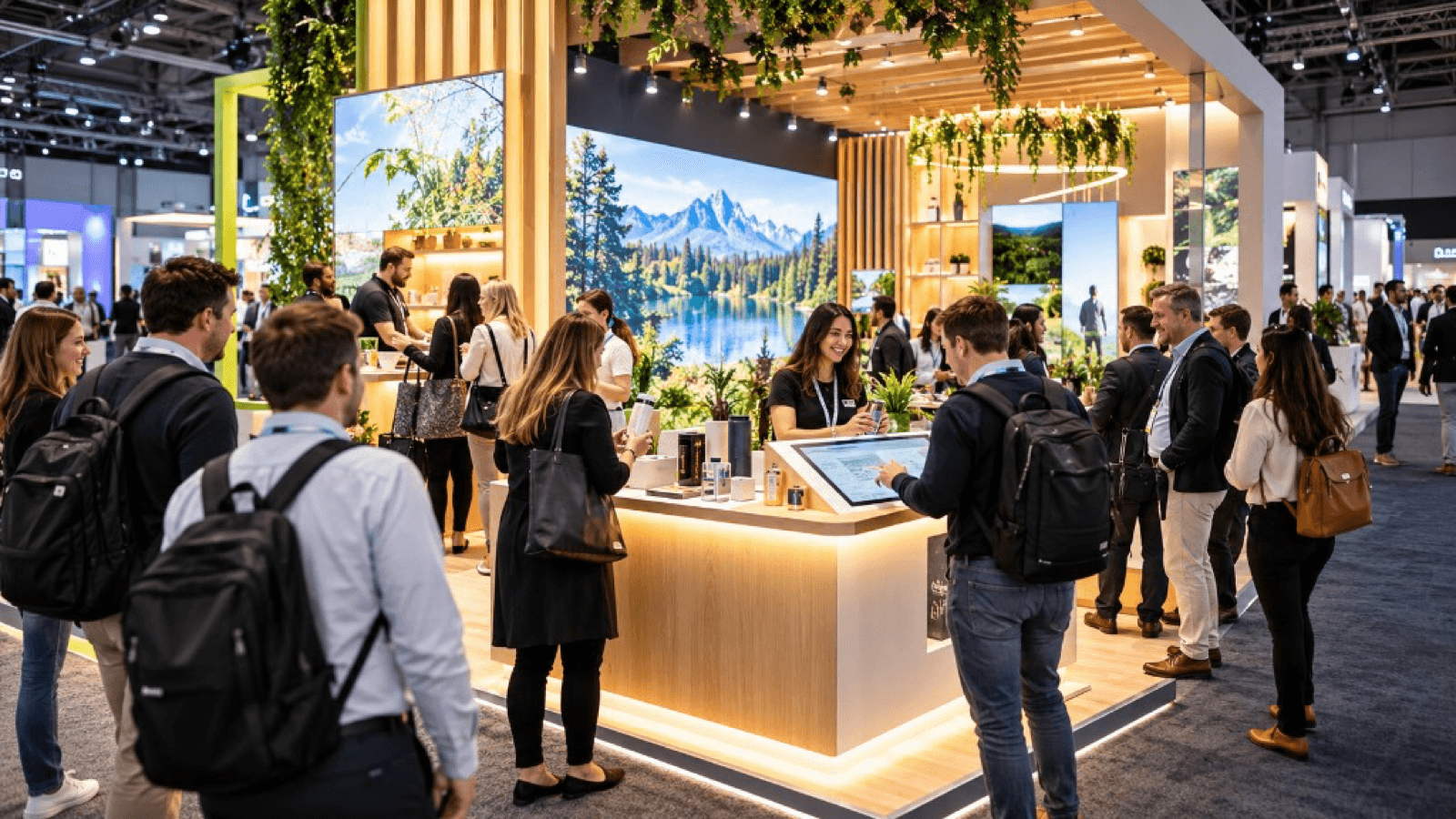
How to attract more visitors to your stand at a trade show
Strategies to attract visitors to your stand before, during and after a trade show: design, interactive experiences, digital preview, sales team and follow-up.