
How to create a virtual factory tour for sales and events
a virtual factory tour can be made with 360º photography and video (faster and more economical) or with an interactive 3D model (more versatile and detailed). A route is planned with points of interest, it is filmed or modelled, it is enriched with information and it is published for use in sales, trade shows and on the website. Beforehand, you have to decide what is shown and what is not.
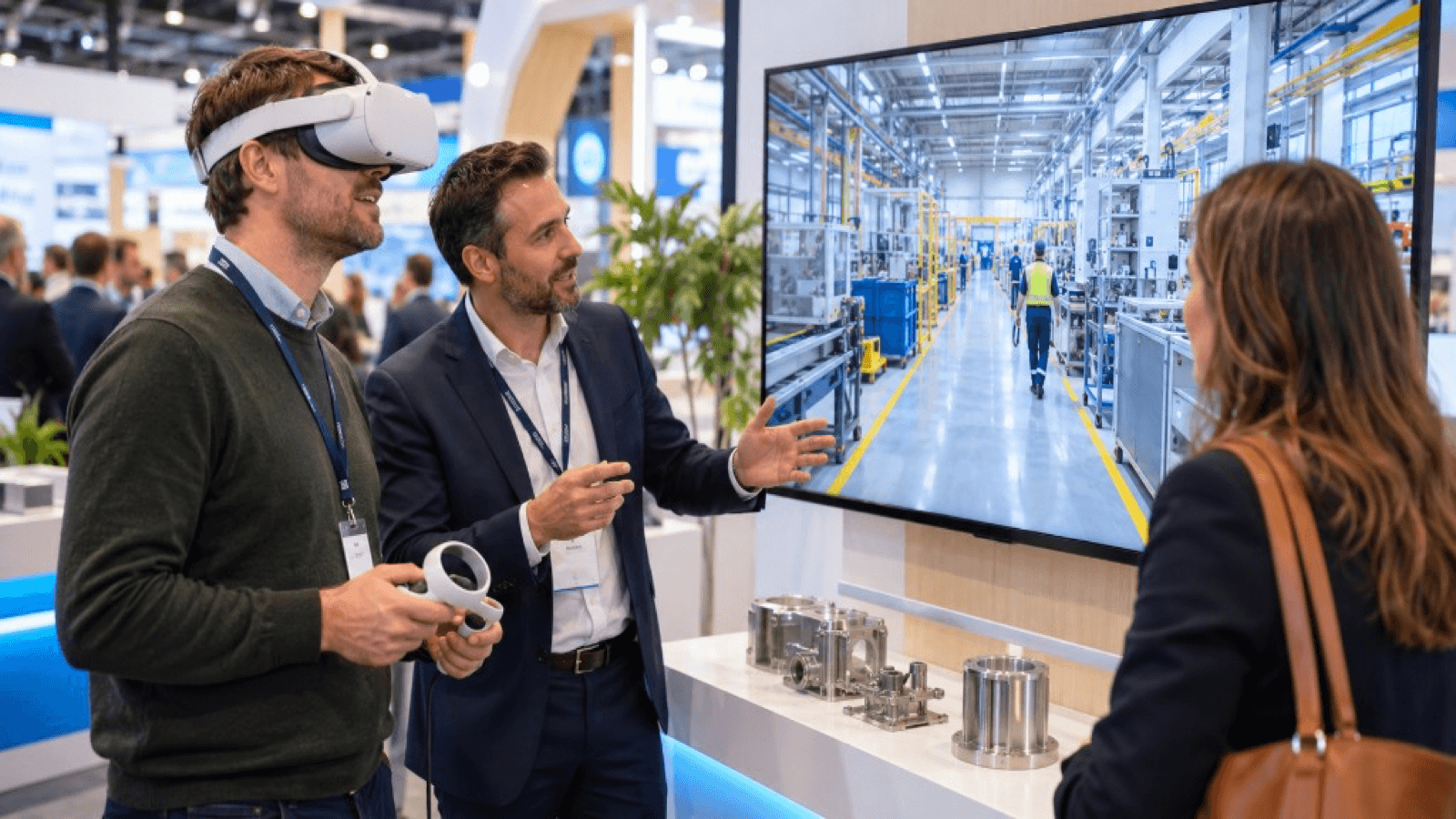
What it is for
- Sales: customers who cannot travel, or who want to audit processes before buying.
- Trade shows and events: taking the factory to the stand.
- Quality and audits: demonstrating processes and certifications.
- Human resources: attracting talent and onboarding.
- Investors and partners: showing capacity and scale.
- Training: introducing facilities to new employees.
Two main formats
| Aspect | 360º tour | Interactive 3D tour |
|---|---|---|
| Basis | Real spherical photos or videos | Digital 3D model |
| Realism | Very high (it is real) | High, depending on production |
| Interactivity | Navigation and information points | High: manipulate, simulate, see the interior |
| Cost and timescale | Lower | Higher |
| Updating | Requires a new shoot | The model is modified |
| Ideal for | Tours, audits, sales | Processes, training, technical demonstration |
They can also be combined: a 360º tour with interactive 3D scenes at the key points.
Step by step
1. Define the objective and the audience
A customer evaluating quality needs to see different things from a candidate or an investor.
2. Decide what is shown
- Areas of interest: reception, warehouse, production, quality, laboratories.
- Sensitive areas: patented processes, confidential customers, safety.
- Plan versions by audience if necessary.
3. Design the route
A logical itinerary that tells a story: from raw material to finished product, with 8 to 15 points of interest.
4. Prepare production
- For 360º: coordinate production schedules, cleaning and tidiness, staff who will appear, safety (PPE).
- For 3D: laser scanning, plans, CAD and reference photographs.
5. Add information
- Labels with technical data.
- Short process videos.
- Certifications and figures.
- Voiceover or text.
6. Choose the viewing mode
- Web to view from anywhere.
- VR headset for greater immersion (at trade shows and meetings).
- Touchscreen at the stand or in the meeting room.
7. Test and publish
Review the route with sales and production, check that no sensitive information appears and prepare distribution.
How to use it in sales
- Send the link in the commercial proposal.
- Use it in remote meetings with a salesperson who guides.
- Offer a real visit as the next step for the more advanced cases.
How to use it at a trade show
- VR experience of 3-5 minutes.
- Mirror screen for those waiting.
- QR to continue at home or in the office.
See VR at trade shows.
Legal and safety considerations
- Confidentiality: review with quality, legal and management.
- People's image: authorisations.
- Occupational safety: production must be faithful to the rules (PPE, signage).
- Data: if you collect visitor data, comply with the GDPR.
Key ideas
- The virtual tour takes your factory anywhere.
- 360º is agile; interactive 3D goes deeper.
- Plan a route with a story and points of interest.
- Decide what is shown according to the audience.
- Reuse it in sales, trade shows, HR and training.
Frequently asked questions
How long does a virtual tour last?
Usually between 5 and 15 minutes for the full route, with short versions for trade shows.
Does production have to stop for filming?
It depends. It is often filmed at low-activity times or with production running in a controlled way.
Can I update it?
Yes. 360º requires new shots of the areas that have changed; 3D is modified in the model.
Does it replace a real visit?
No, it complements it and filters.
More guides on this topic
10 interactive ideas for trade shows that go beyond the gift
Ten interactive ideas to stand out at a trade show: virtual reality, games, configurators, AR, factory tours, challenges and experiences that capture qualified leads.
Technology checklist for trade shows: what you need before the event
Technology checklist for your trade show stand: hardware, power, connectivity, content, plan B, staff, safety, logistics and prior testing.
How to attract more visitors to your stand at a trade show
Strategies to attract visitors to your stand before, during and after a trade show: design, interactive experiences, digital preview, sales team and follow-up.