
How to create an interactive product demonstration for a trade show
a good interactive demonstration for a trade show has a clear commercial objective, lasts between 3 and 8 minutes, explains itself but allows sales support, works without an internet connection, captures visitor data and is tested at the venue before opening.
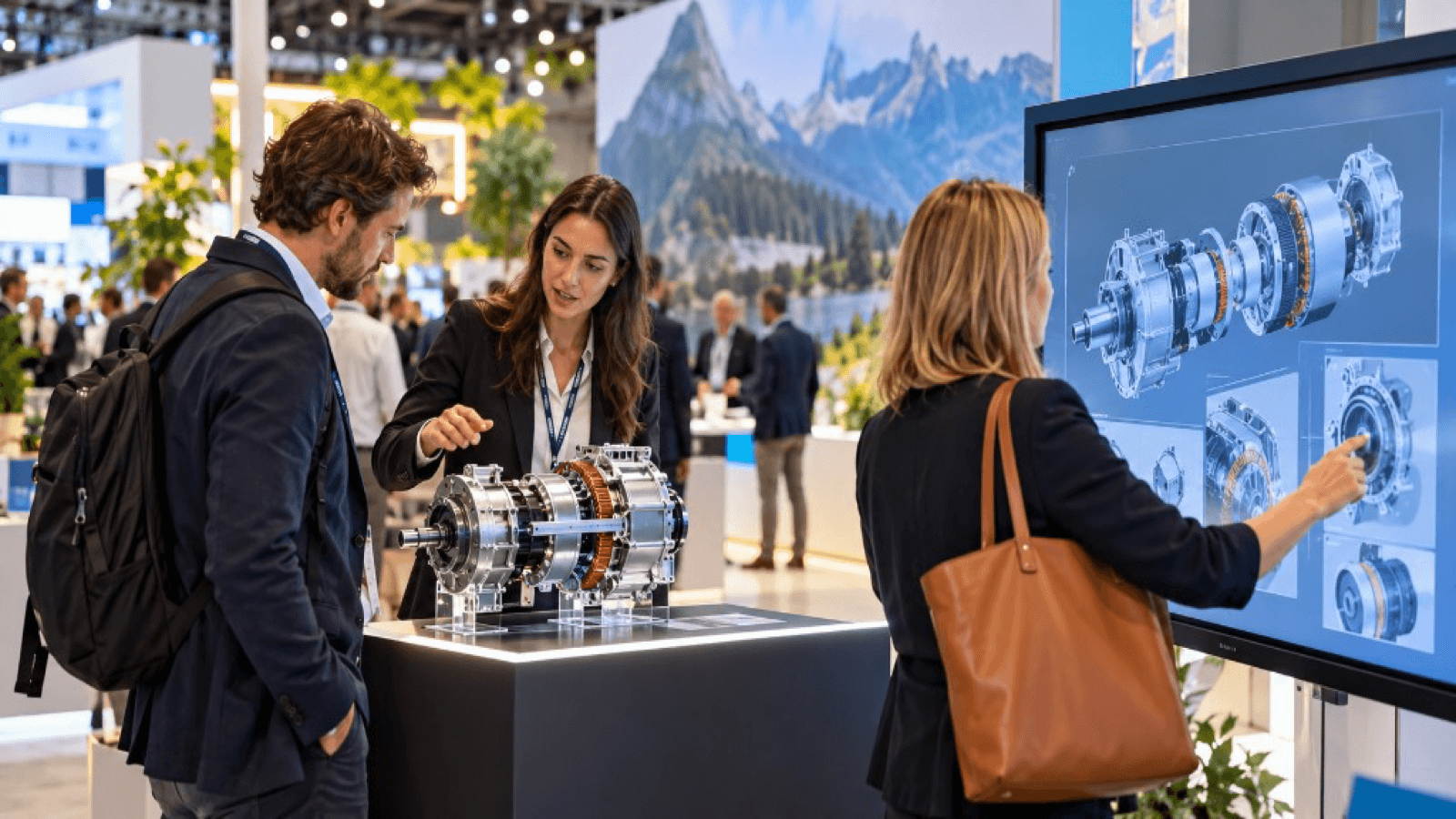
1. Define the objective
What do you want to happen after the demo?
- The visitor understands three key advantages.
- They request a meeting or a proposal.
- They leave qualified data.
- They remember your brand against the competition.
A demonstration without an objective is expensive entertainment.
2. Choose the format
| Format | Best for |
|---|---|
| Touchscreen with 3D | Product with variants and details |
| Virtual reality | Large products, processes, impact |
| Augmented reality | Seeing the product in the real environment |
| Interactive table or scale model | Combining touch and digital |
| Game or challenge | Attracting traffic and capturing contacts |
3. Write the script
Divide the demonstration into blocks:
- Hook (10-20 seconds): a powerful image.
- Problem: what the customer wants to solve.
- Solution: the product in action.
- Three key moments: what is most relevant.
- Result: a concrete benefit.
- Call to action: meeting, quote, sample.
4. Design the interaction
- Few controls, clear and visible.
- Minimal instructions on the screen.
- Guided mode (so the salesperson can lead it) and free mode (to explore).
- Automatic restart after inactivity.
- Languages for the trade show audience.
5. Content
- Optimised 3D models.
- Operating animations.
- Short text, readable from a distance.
- Technical data available in layers (for anyone who wants to go deeper).
6. Data capture
- QR that sends a summary or catalogue.
- Tablet or short form.
- Accreditation scanning if the venue allows it.
- Internal record of what each visitor has seen.
All with consent and in accordance with the GDPR.
7. Hardware and logistics
- Screens and equipment with backup.
- Offline operation.
- Cabling and power sources.
- Set-up and dismantling plan.
- Technical lead.
See the technology checklist for trade shows.
8. Testing
- Test several weeks beforehand with non-technical users.
- Test at the venue during set-up.
- Simulate visitor peaks.
- Prepare a plan B (recorded video, simplified version).
9. Measure
- Number of demonstrations and average duration.
- Contacts captured and quality.
- Meetings generated.
- Subsequent opportunities.
See how to measure engagement at a trade show.
Key ideas
- Start with the commercial objective.
- Short duration, clear script, few controls.
- Offline operation and a plan B.
- Capture data with consent.
- Test beforehand and measure afterwards.
Frequently asked questions
Which format should I choose if I am unsure?
A touchscreen with 3D is the most balanced option between cost, impact and ease.
How long beforehand should I start?
Between one and three months, depending on complexity and available content.
Can I use the same demo after the trade show?
Yes: on the website, on sales visits and in training.
Who should run the demo?
A salesperson with product knowledge, supported by an experience technician.
More guides on this topic
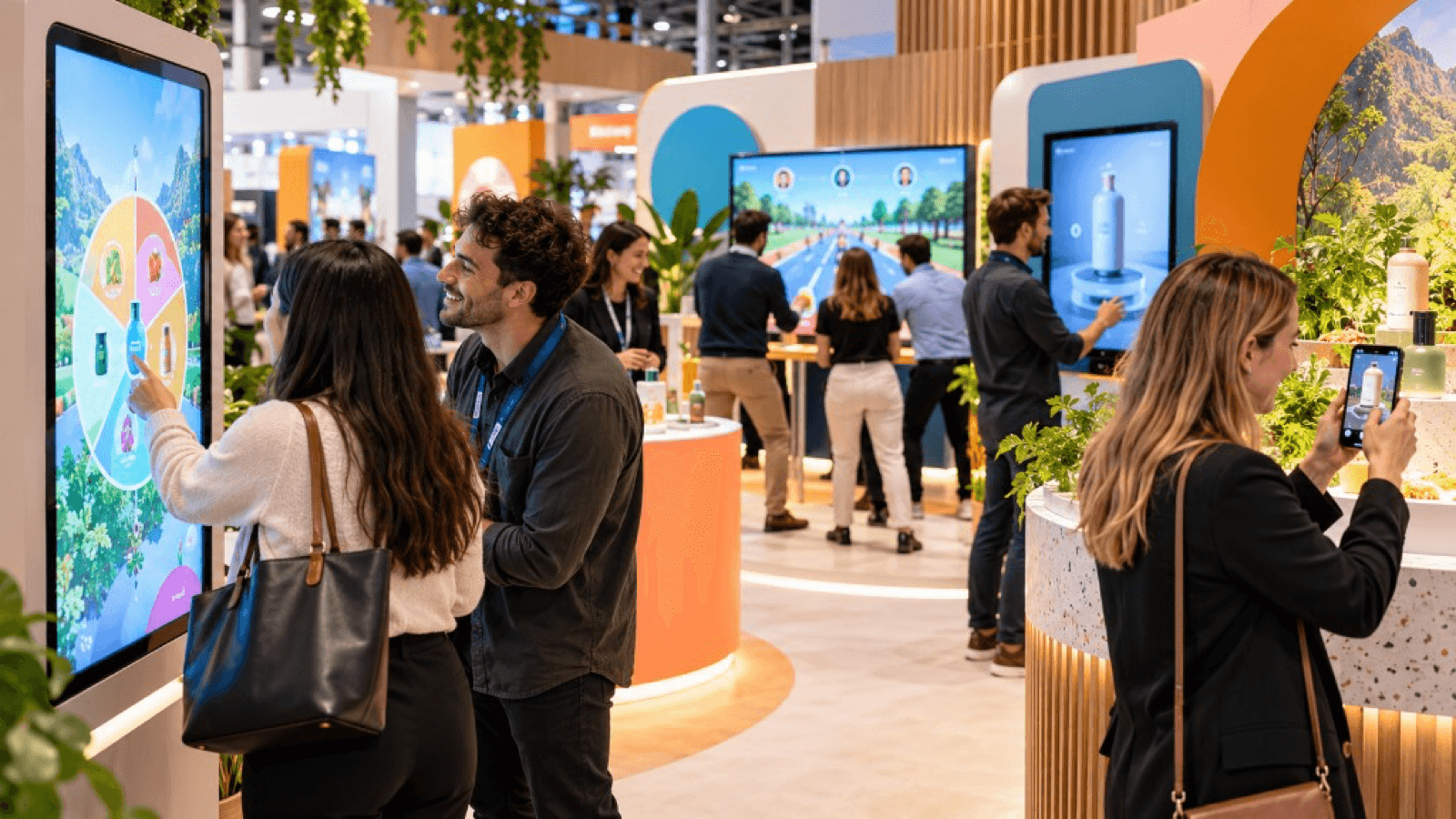
10 interactive ideas for trade shows that go beyond the gift
Ten interactive ideas to stand out at a trade show: virtual reality, games, configurators, AR, factory tours, challenges and experiences that capture qualified leads.
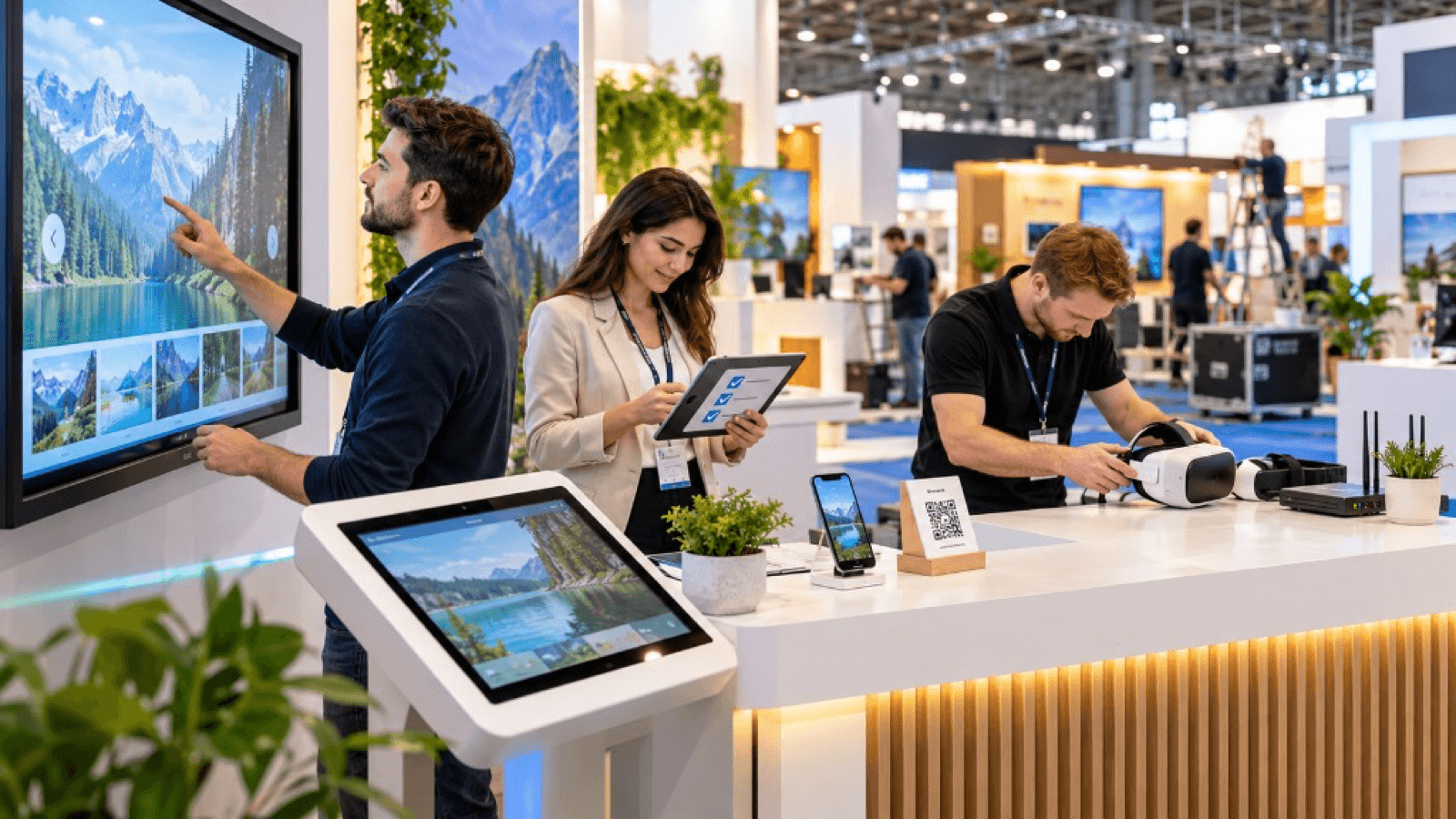
Technology checklist for trade shows: what you need before the event
Technology checklist for your trade show stand: hardware, power, connectivity, content, plan B, staff, safety, logistics and prior testing.
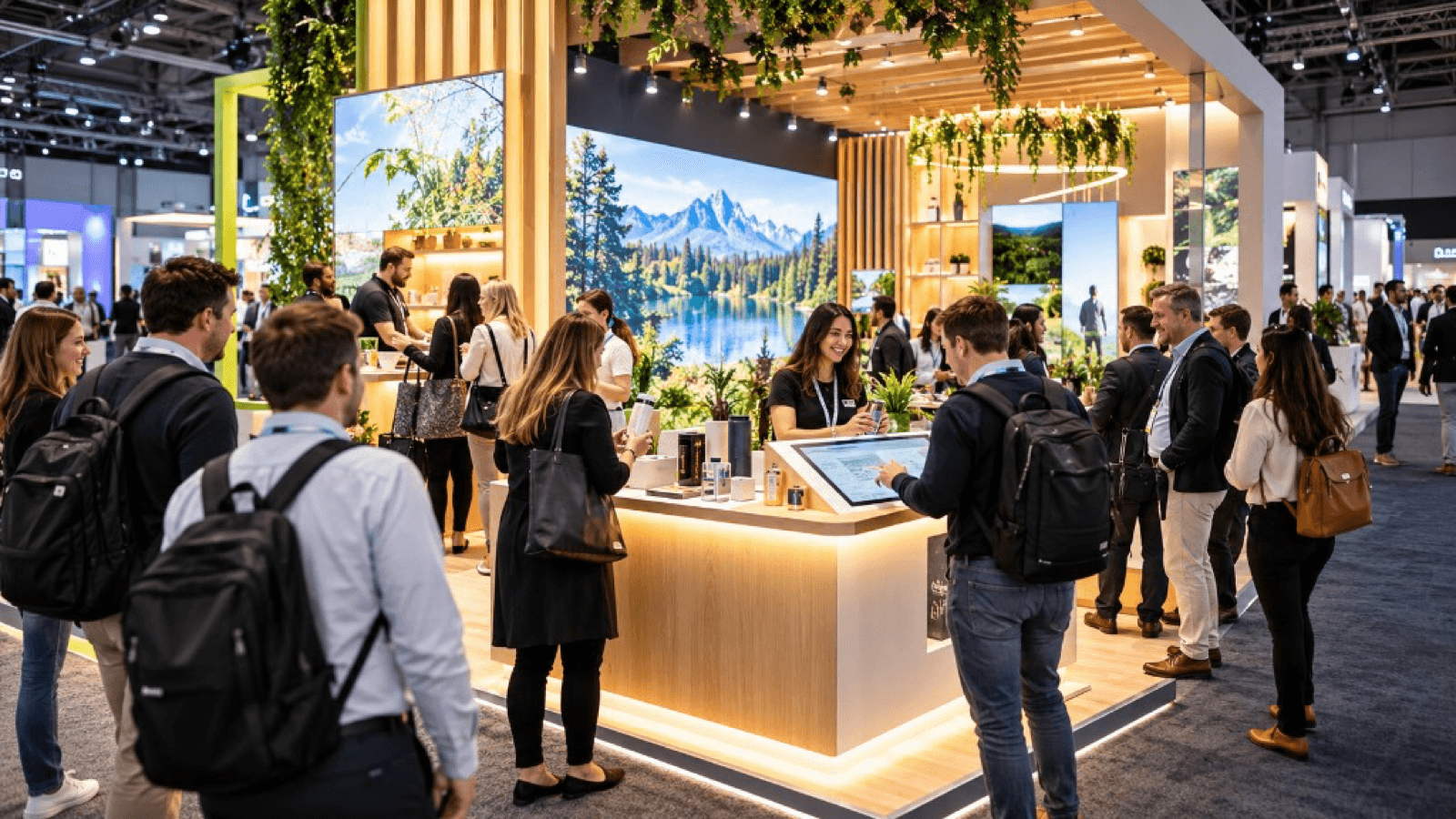
How to attract more visitors to your stand at a trade show
Strategies to attract visitors to your stand before, during and after a trade show: design, interactive experiences, digital preview, sales team and follow-up.